












































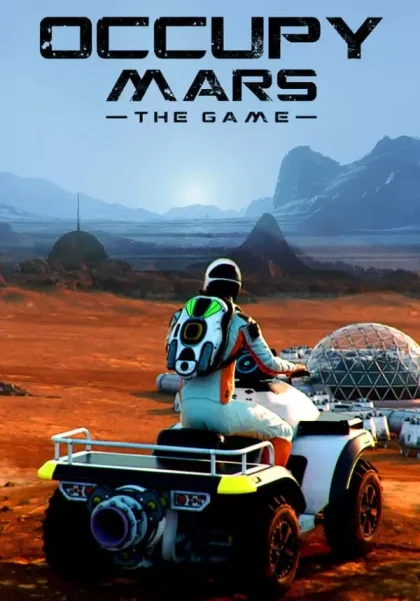
Occupy Mars: The Game
 Official key
 In stock
In stock

45
Sales

0
Reviews
Supported languages
English*
 French, Italian, German, Spanish - Spain, Polish, Portuguese - Brazil, Russian, Simplified Chinese, Turkish, Portuguese - Portugal, Danish, Romanian, Ukrainian
*languages with full audio support
French, Italian, German, Spanish - Spain, Polish, Portuguese - Brazil, Russian, Simplified Chinese, Turkish, Portuguese - Portugal, Danish, Romanian, Ukrainian
*languages with full audio support
Activation platform
Steam
 Indie
Simulation
Single-player
Multi-player
Indie
Simulation
Single-player
Multi-player
Supported languages
English*
French, Italian, German, Spanish - Spain, Polish, Portuguese - Brazil, Russian, Simplified Chinese, Turkish, Portuguese - Portugal, Danish, Romanian, Ukrainian
*languages with full audio support
Activation platform
Steam
Indie
Simulation
Single-player
Multi-player


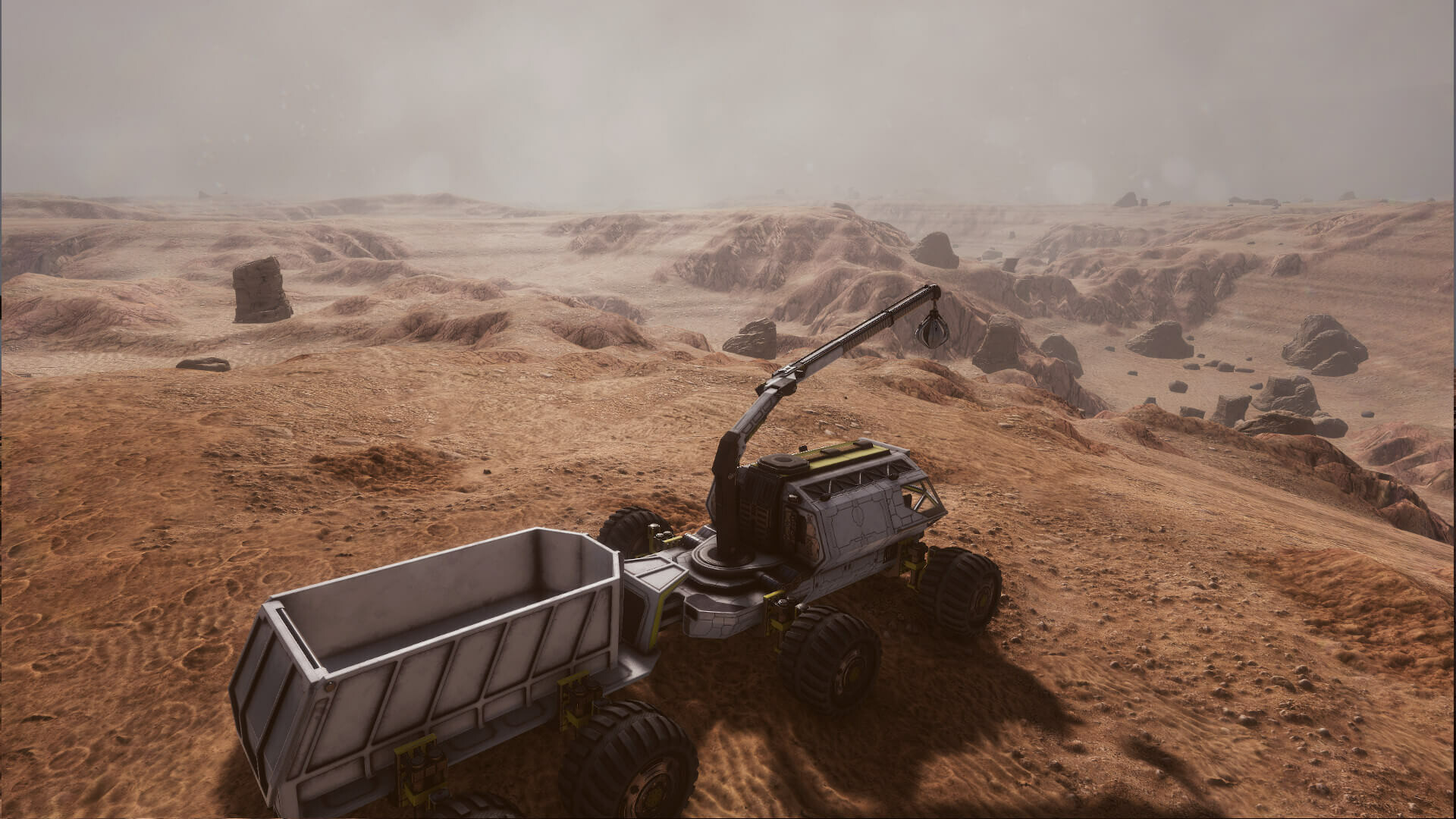
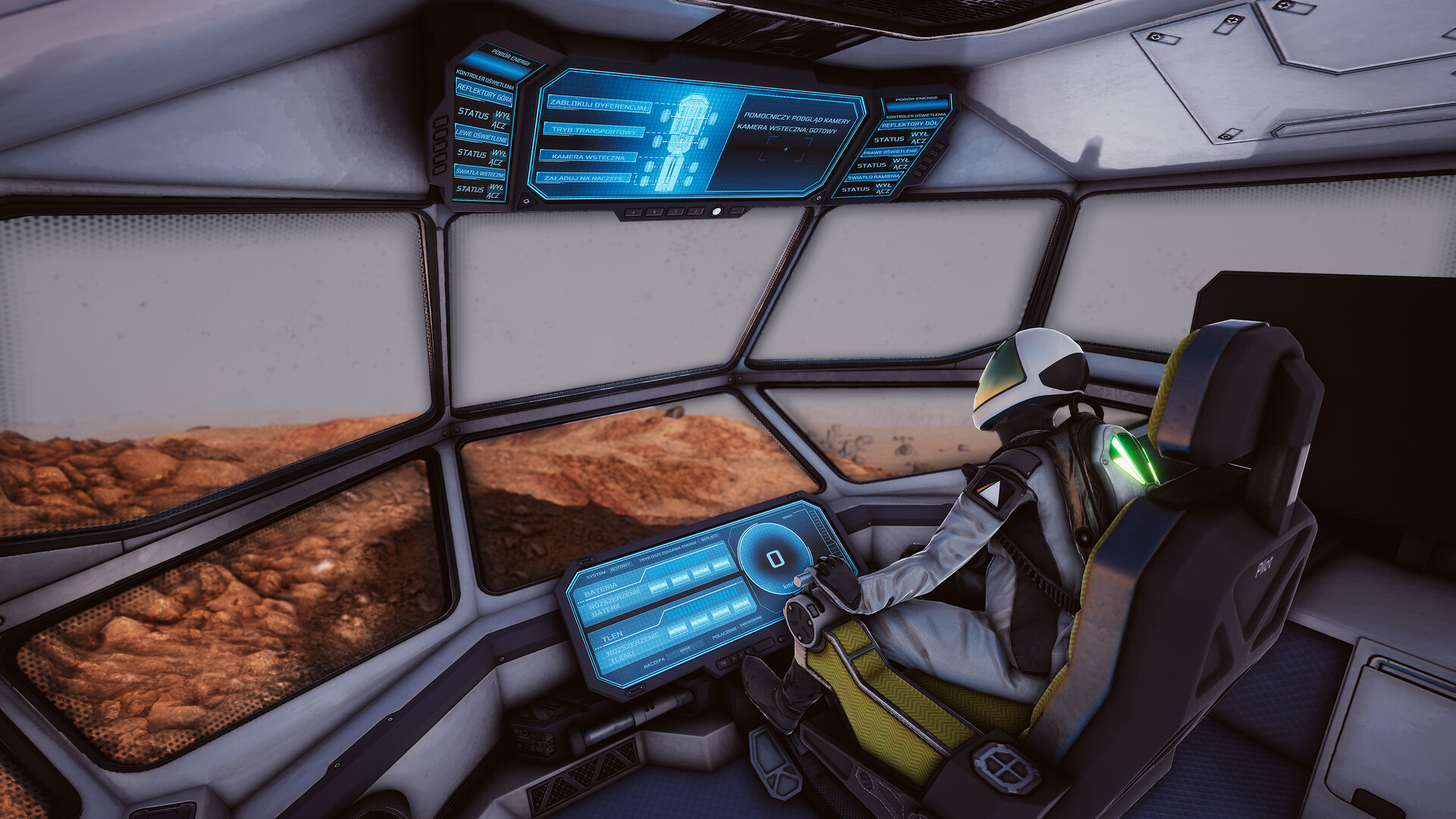
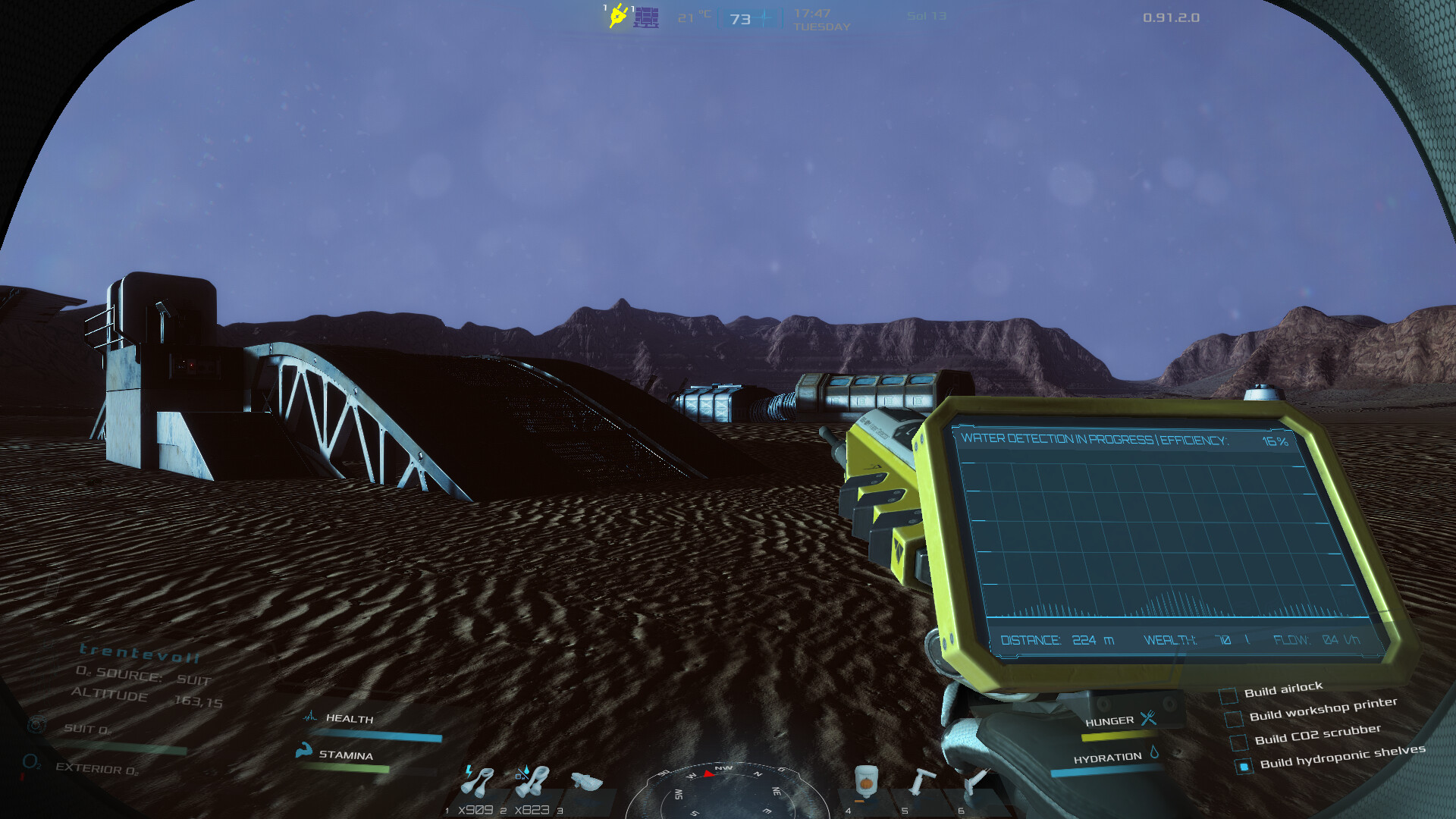
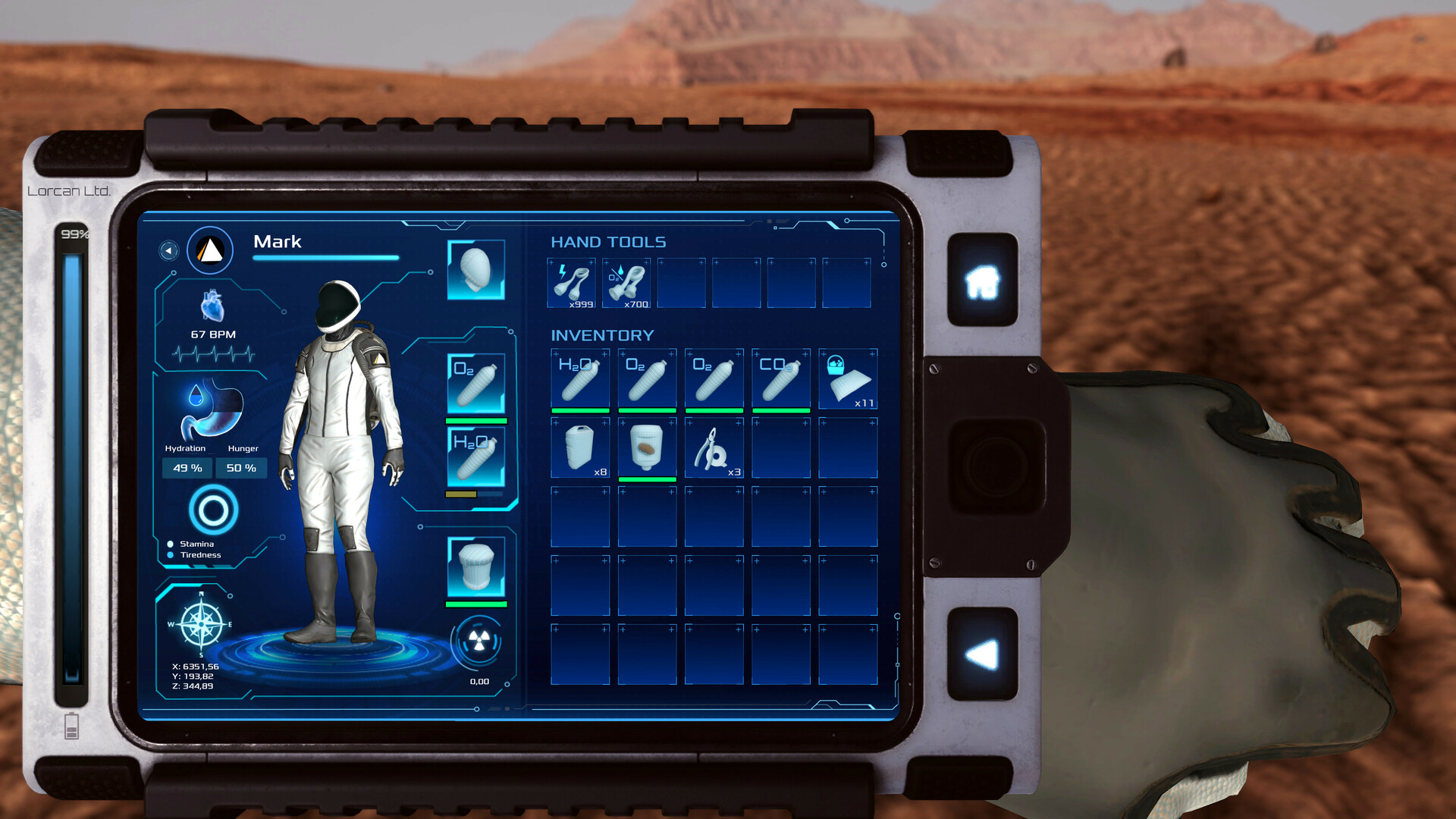

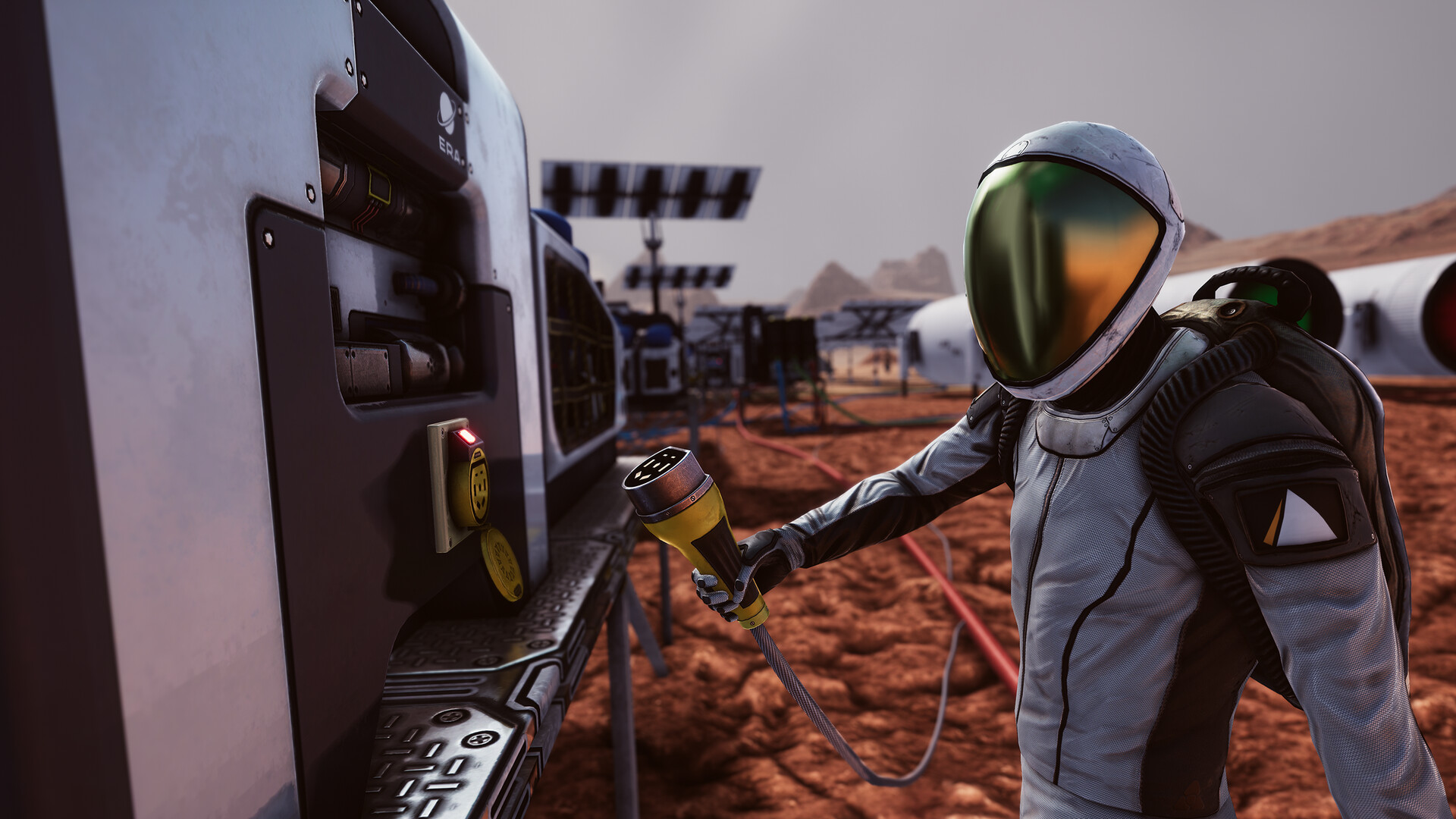
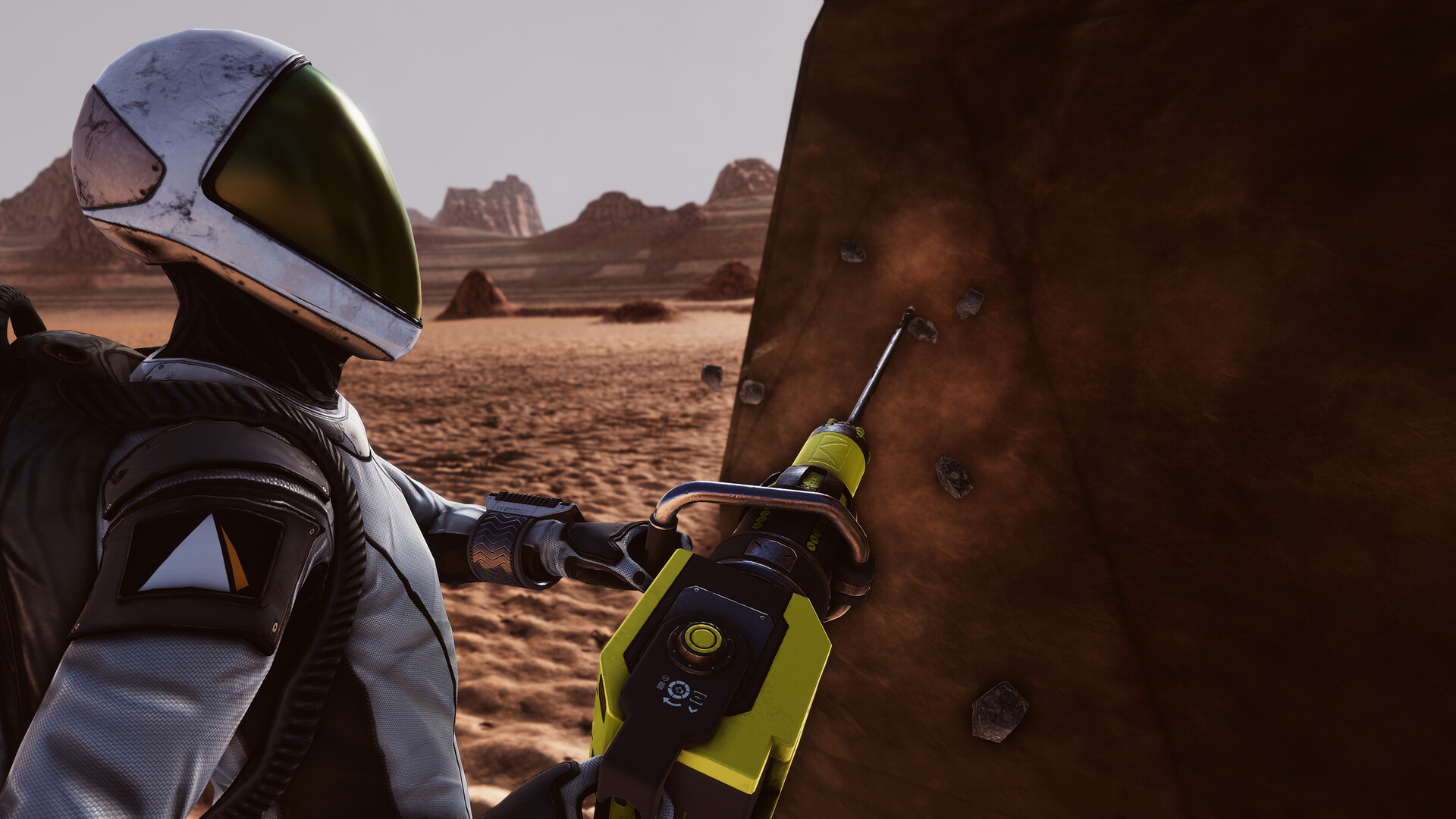
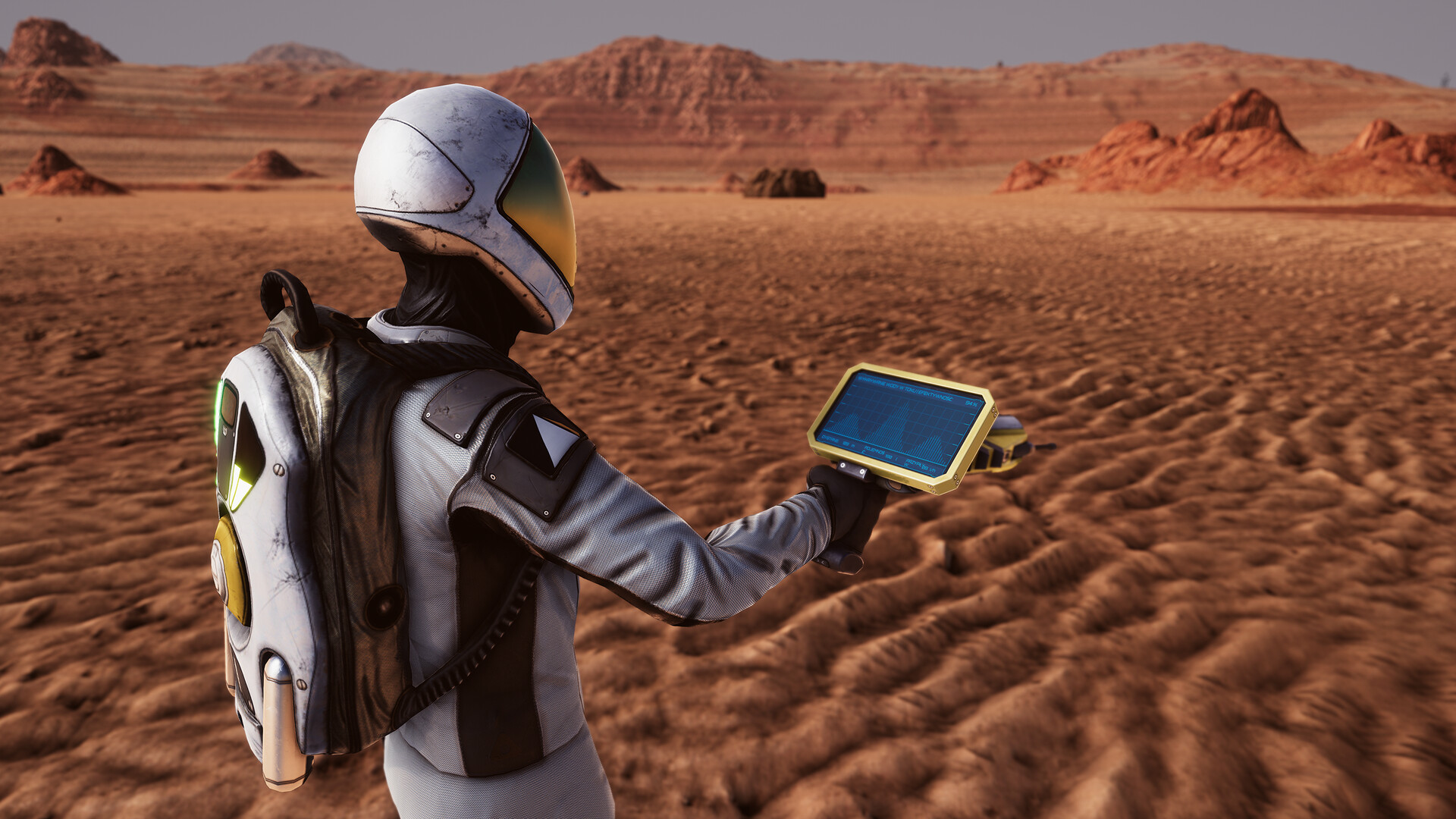

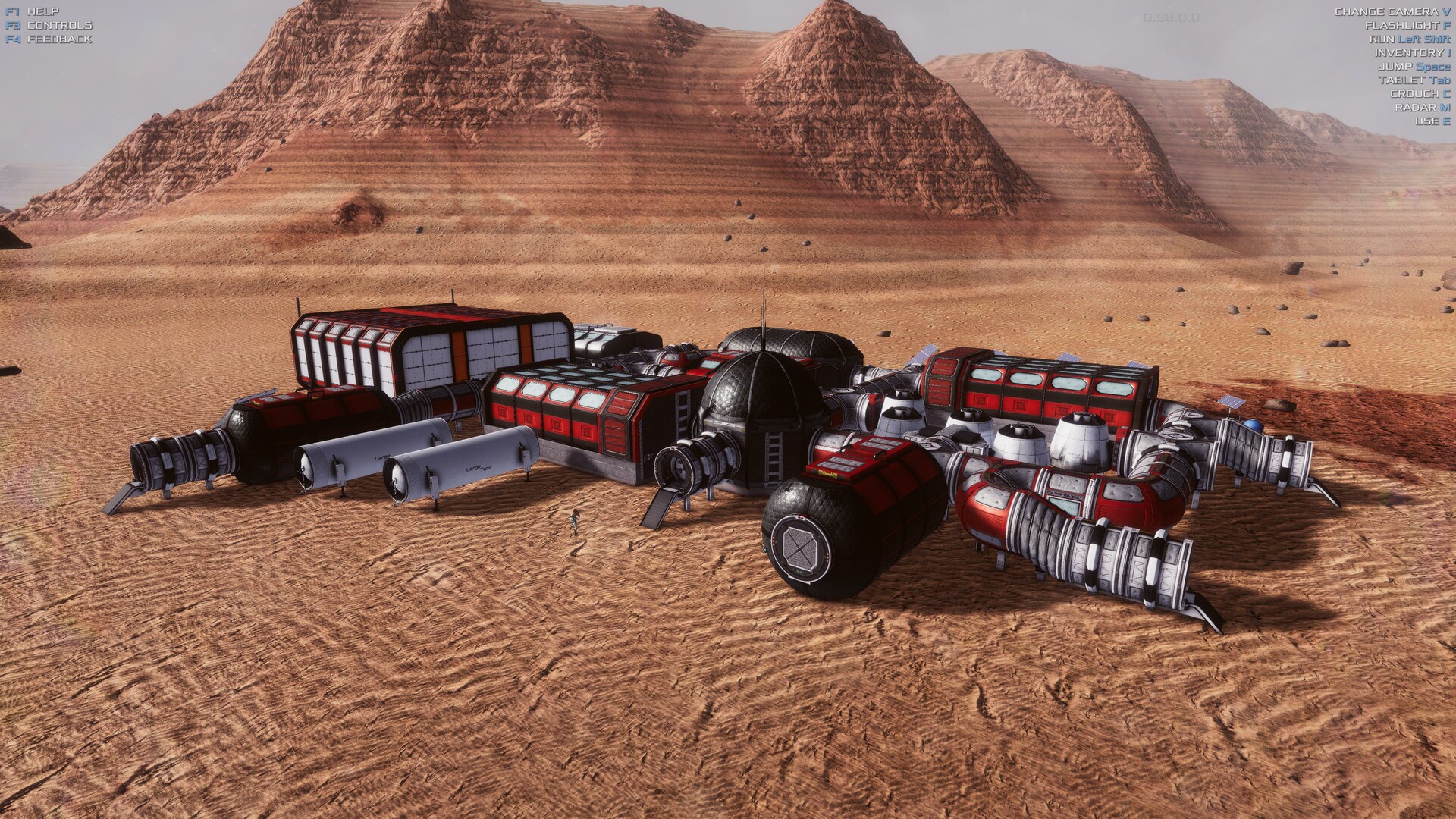
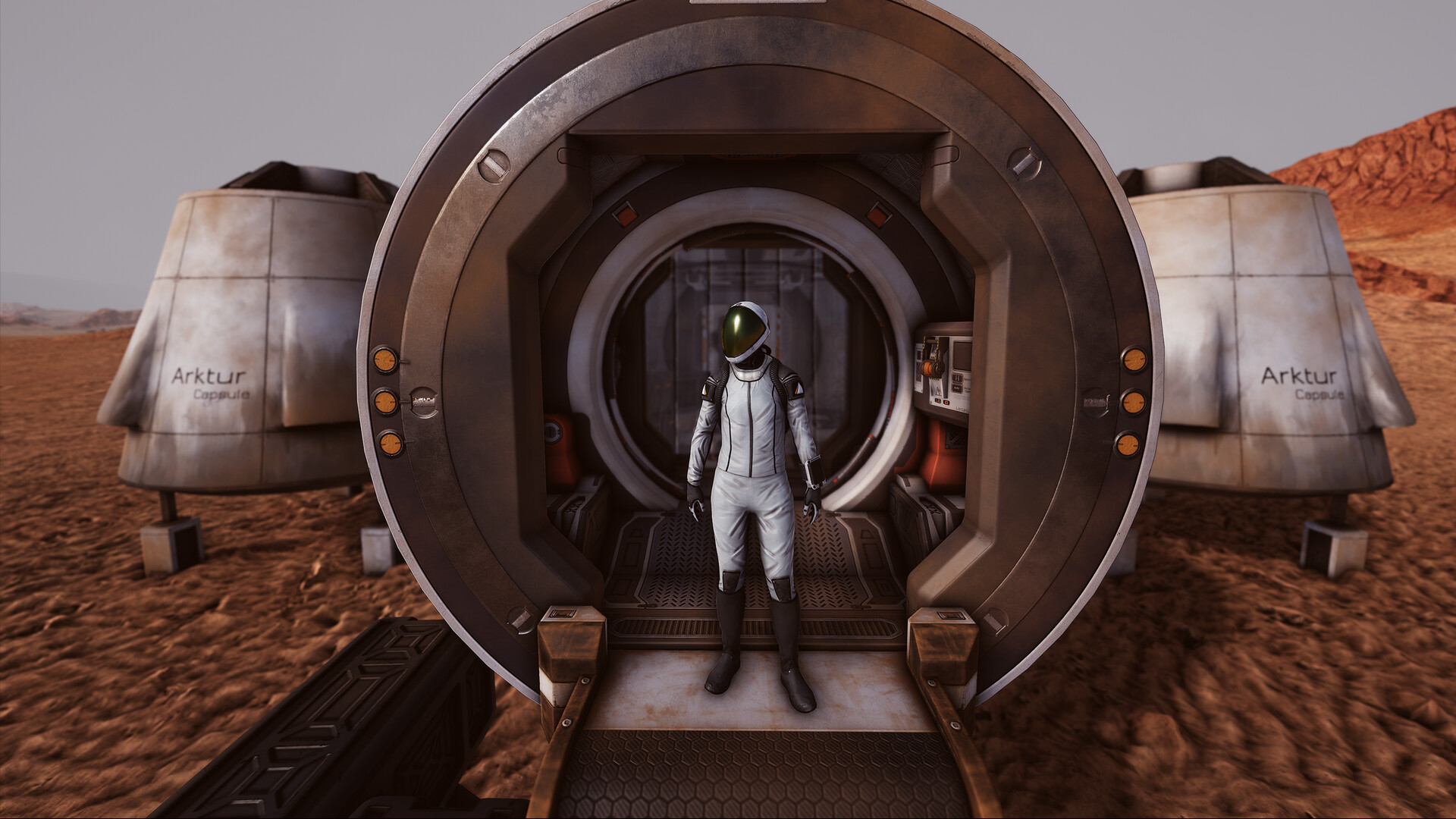

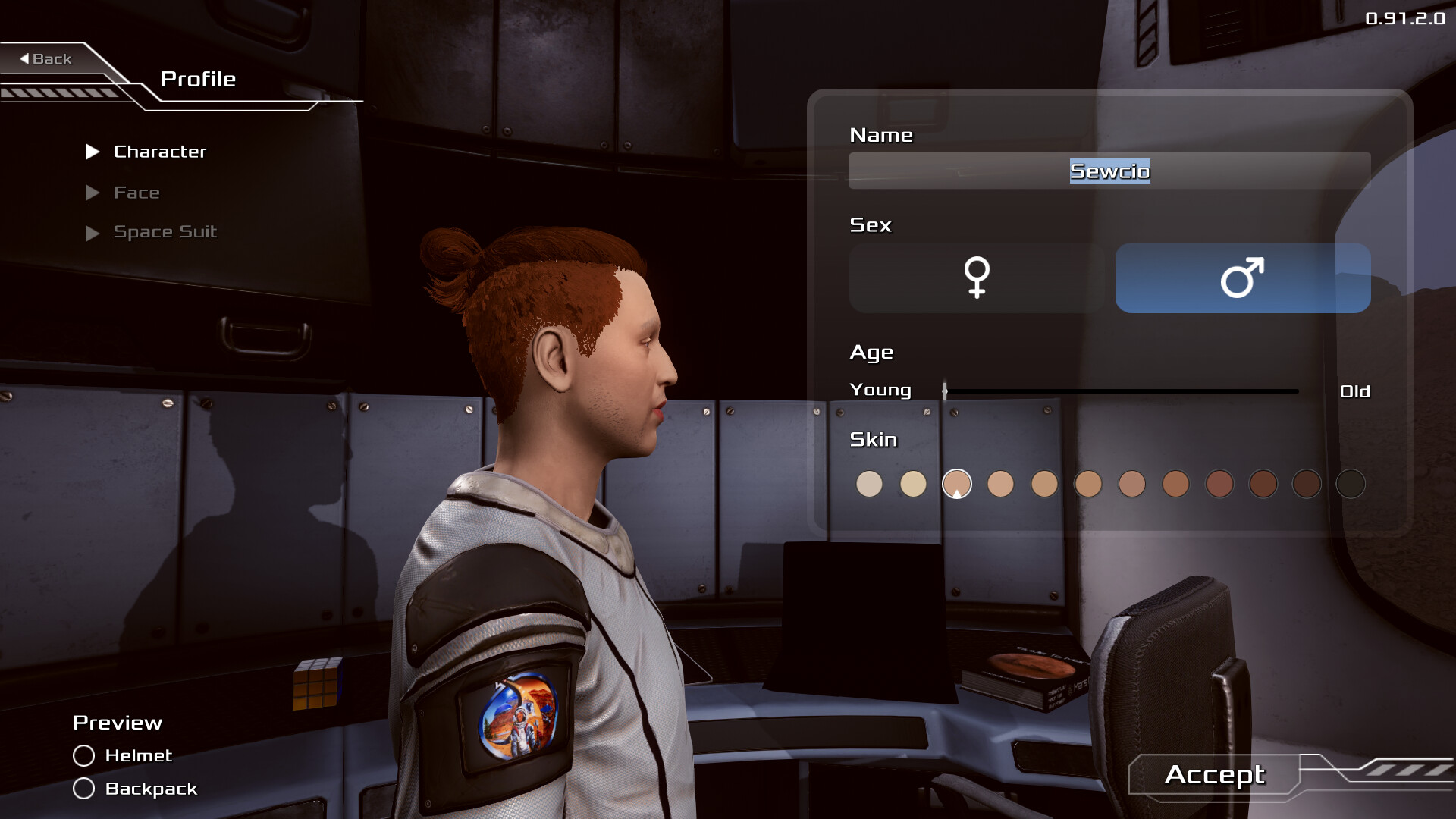
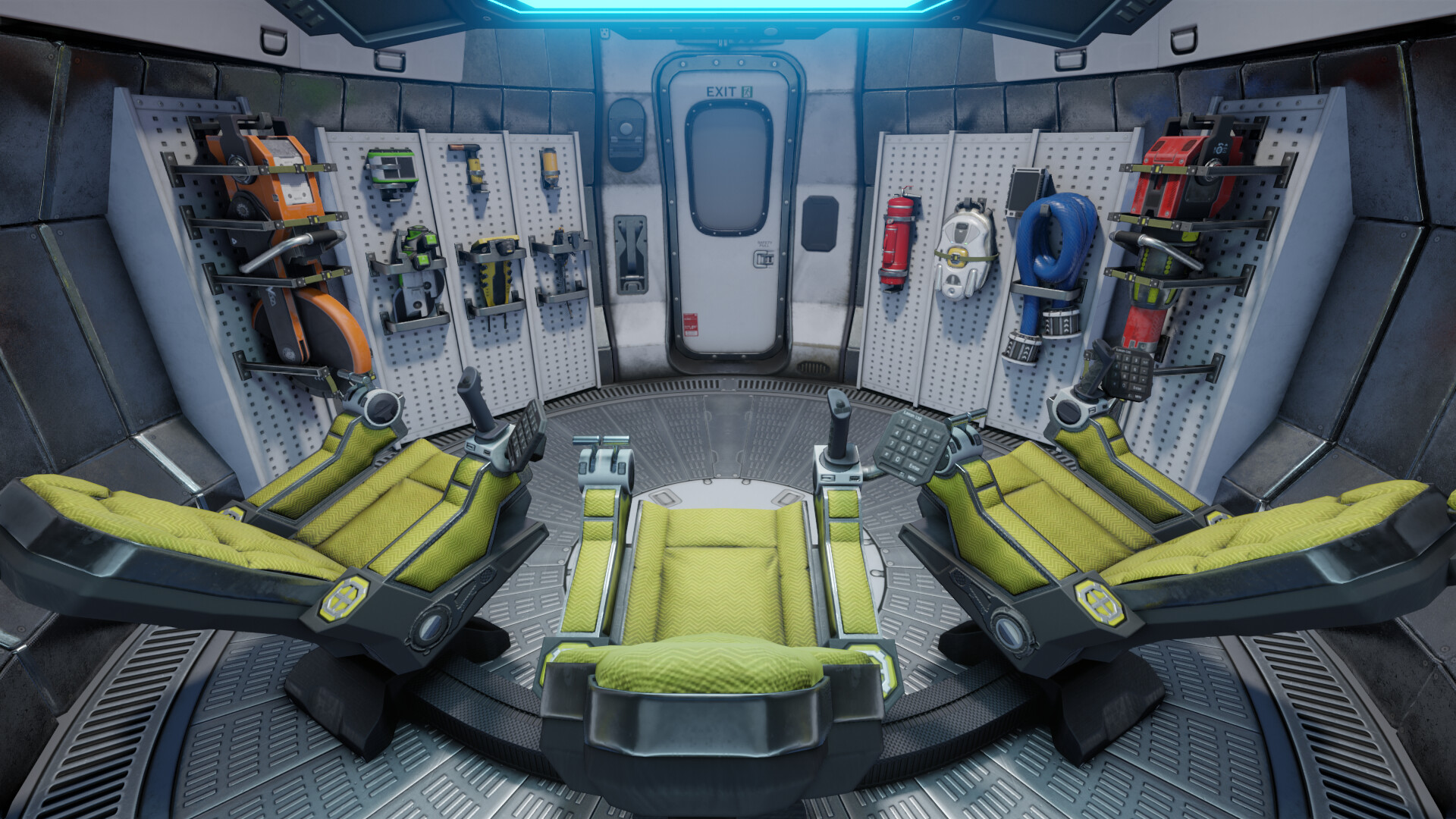
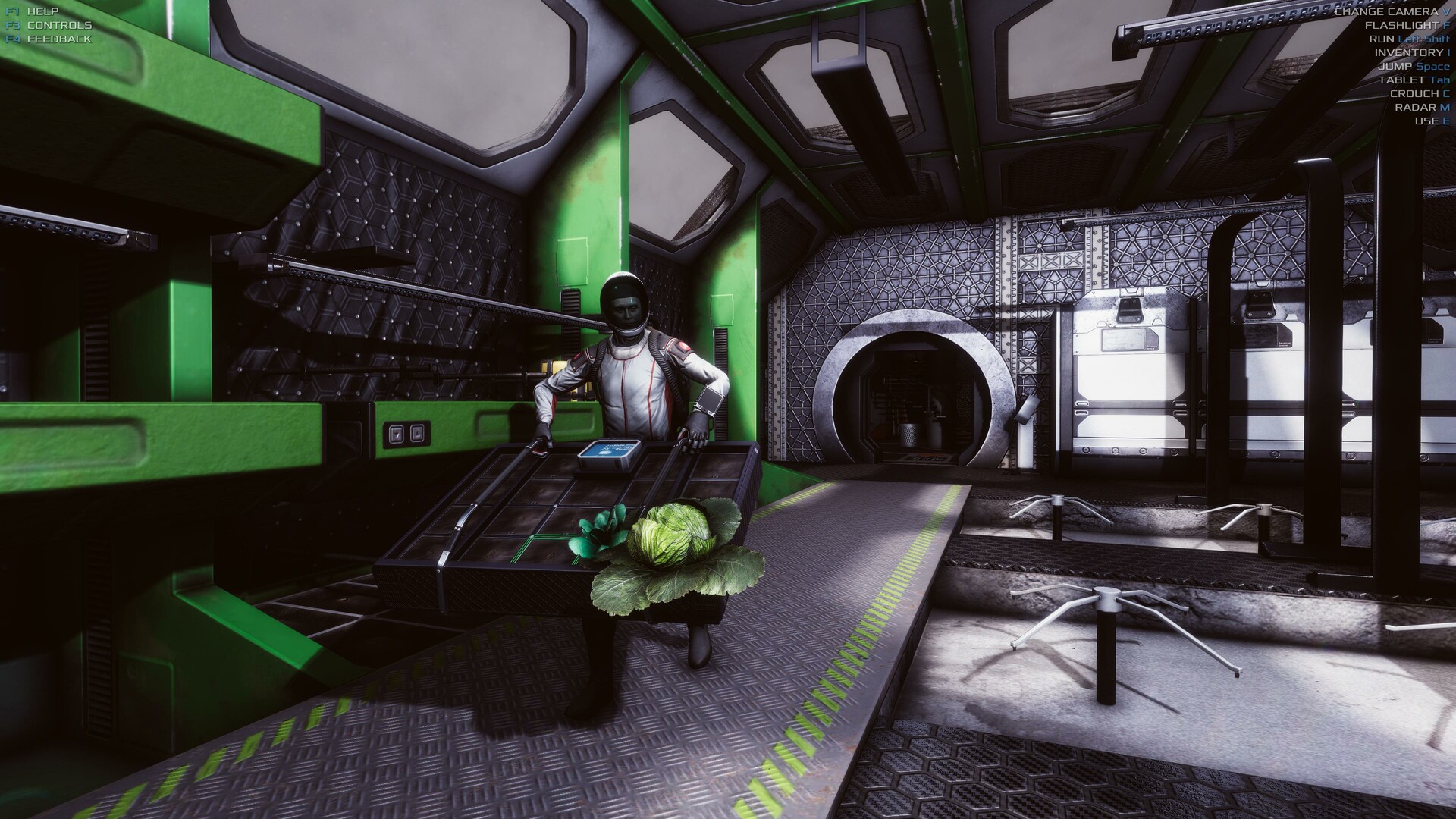

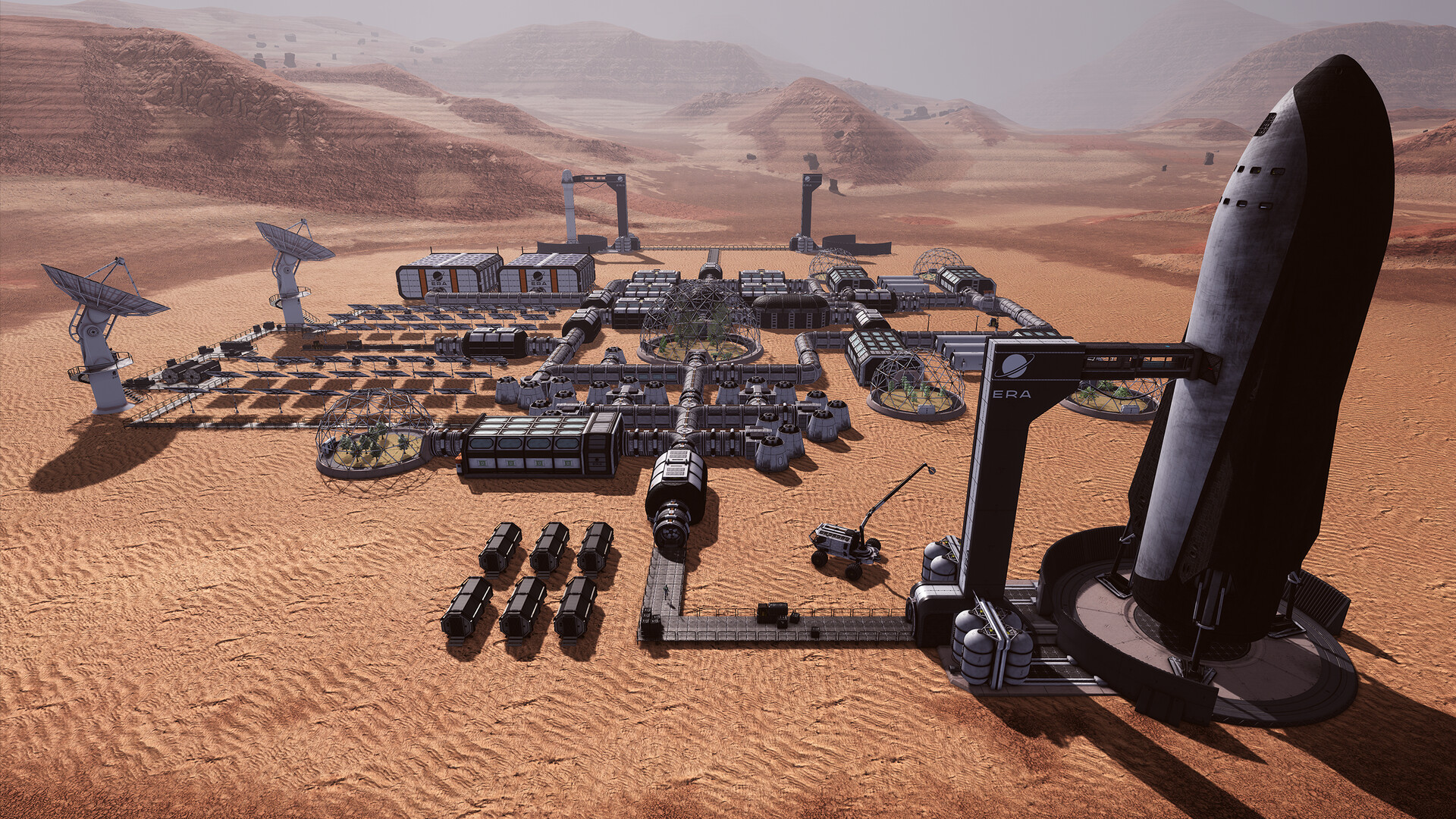


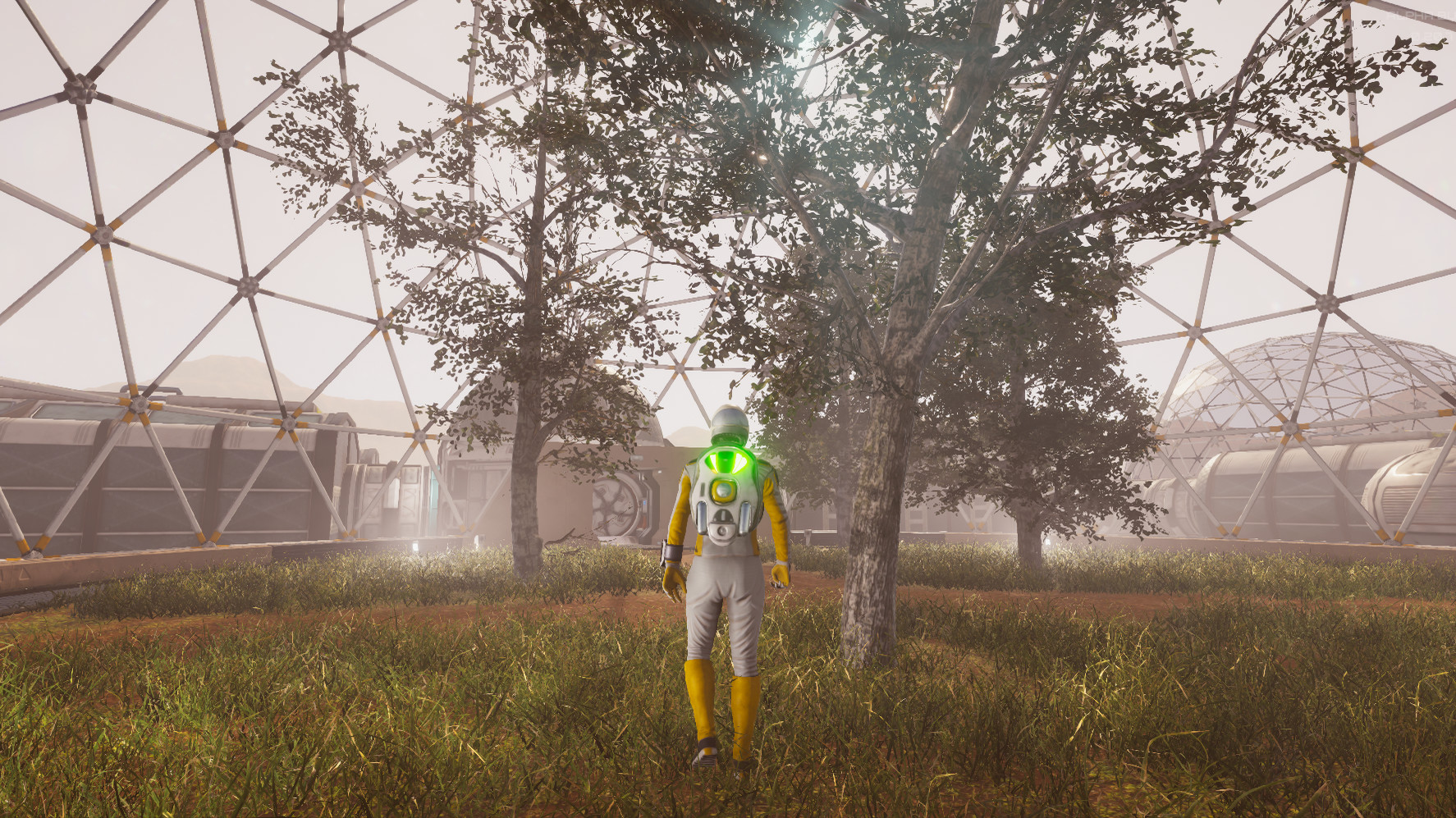

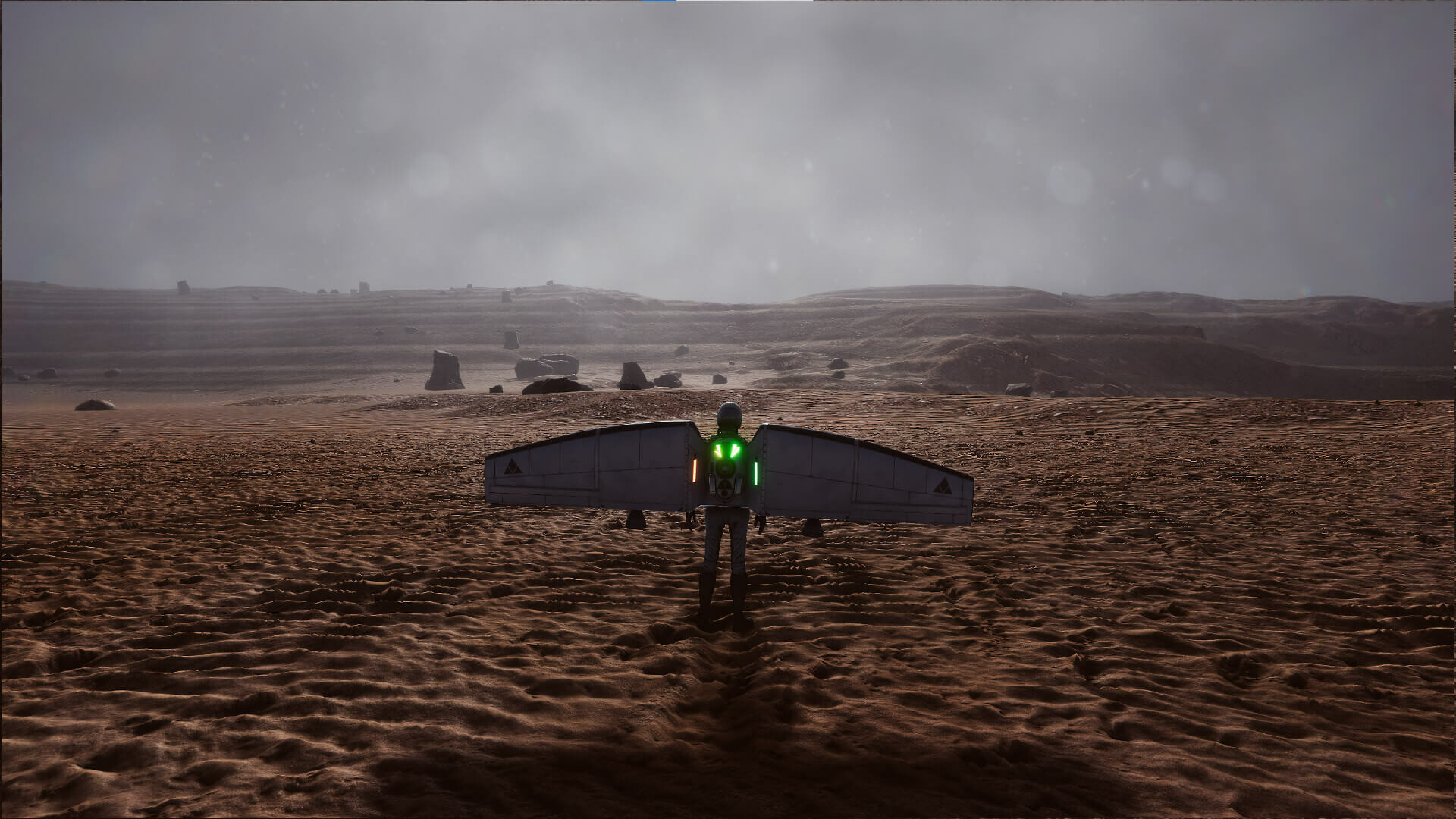
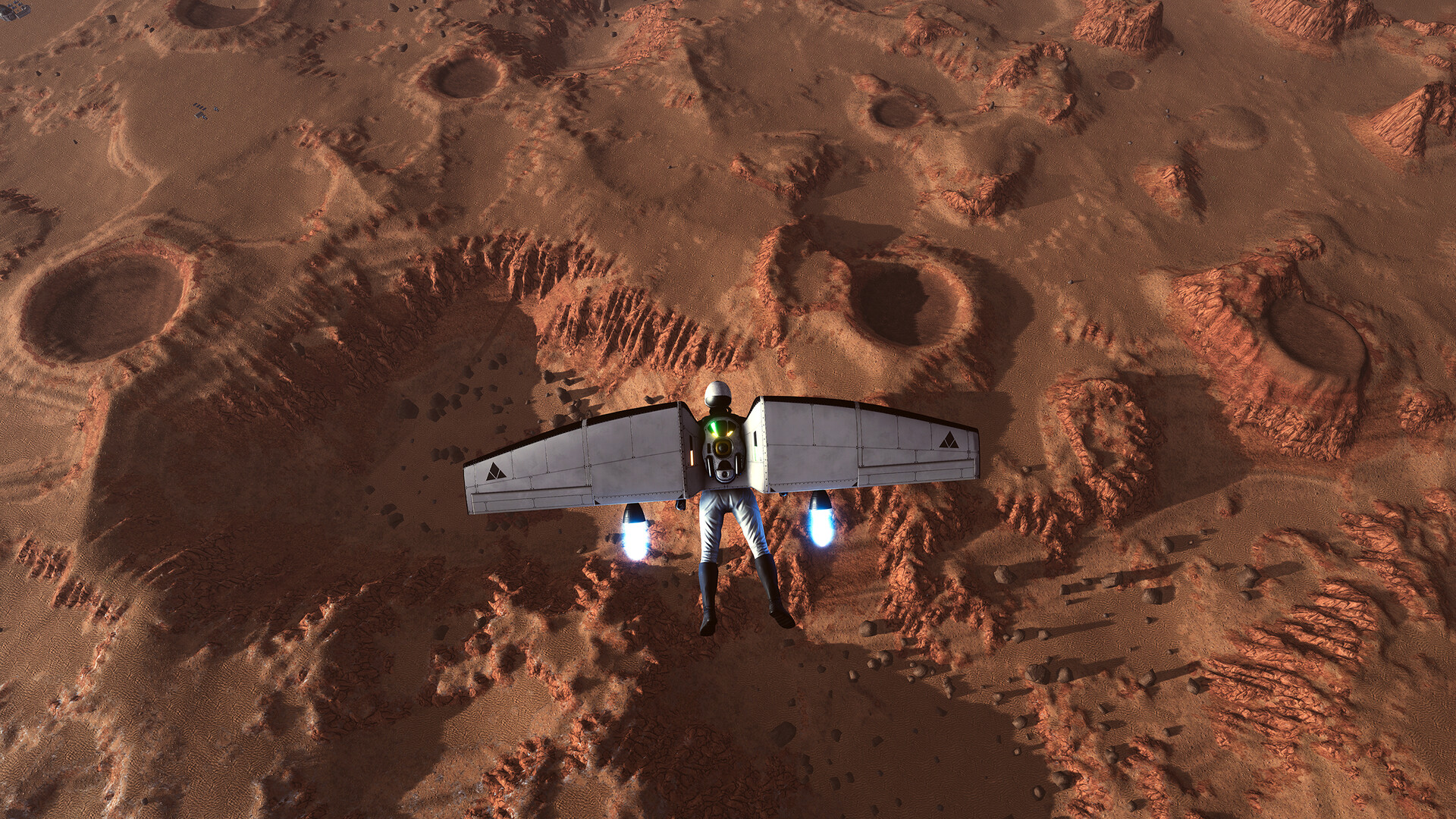


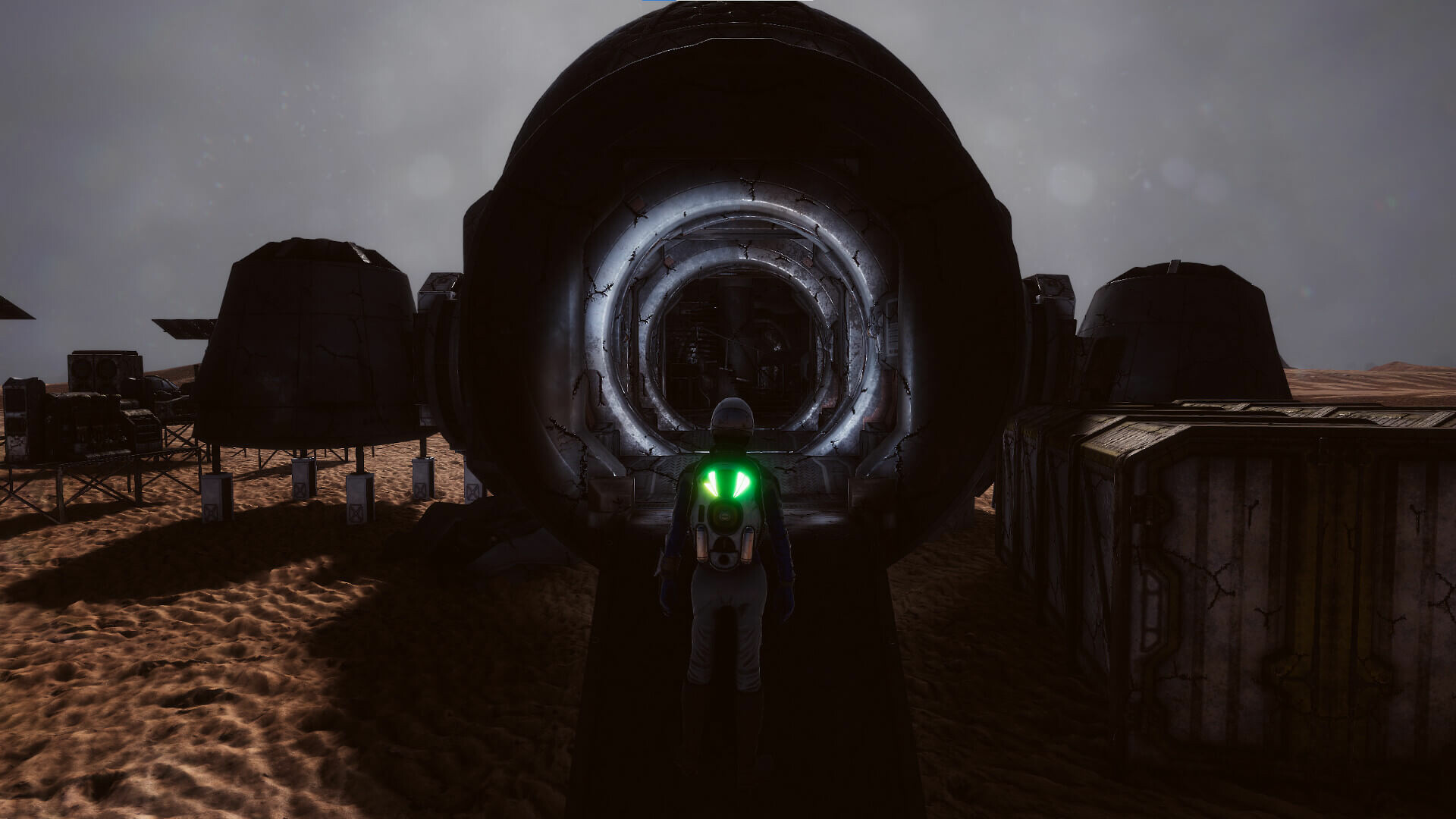

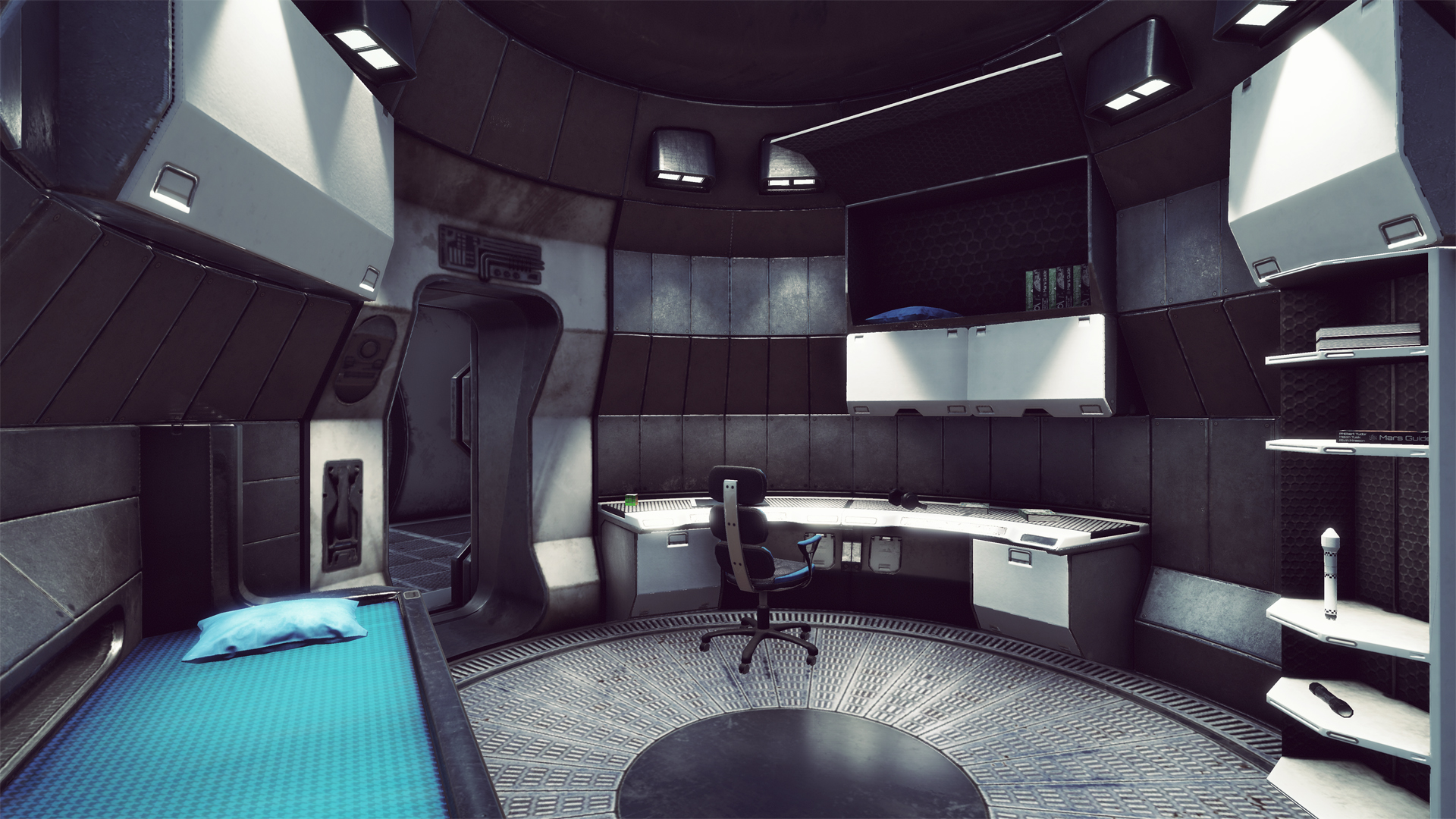
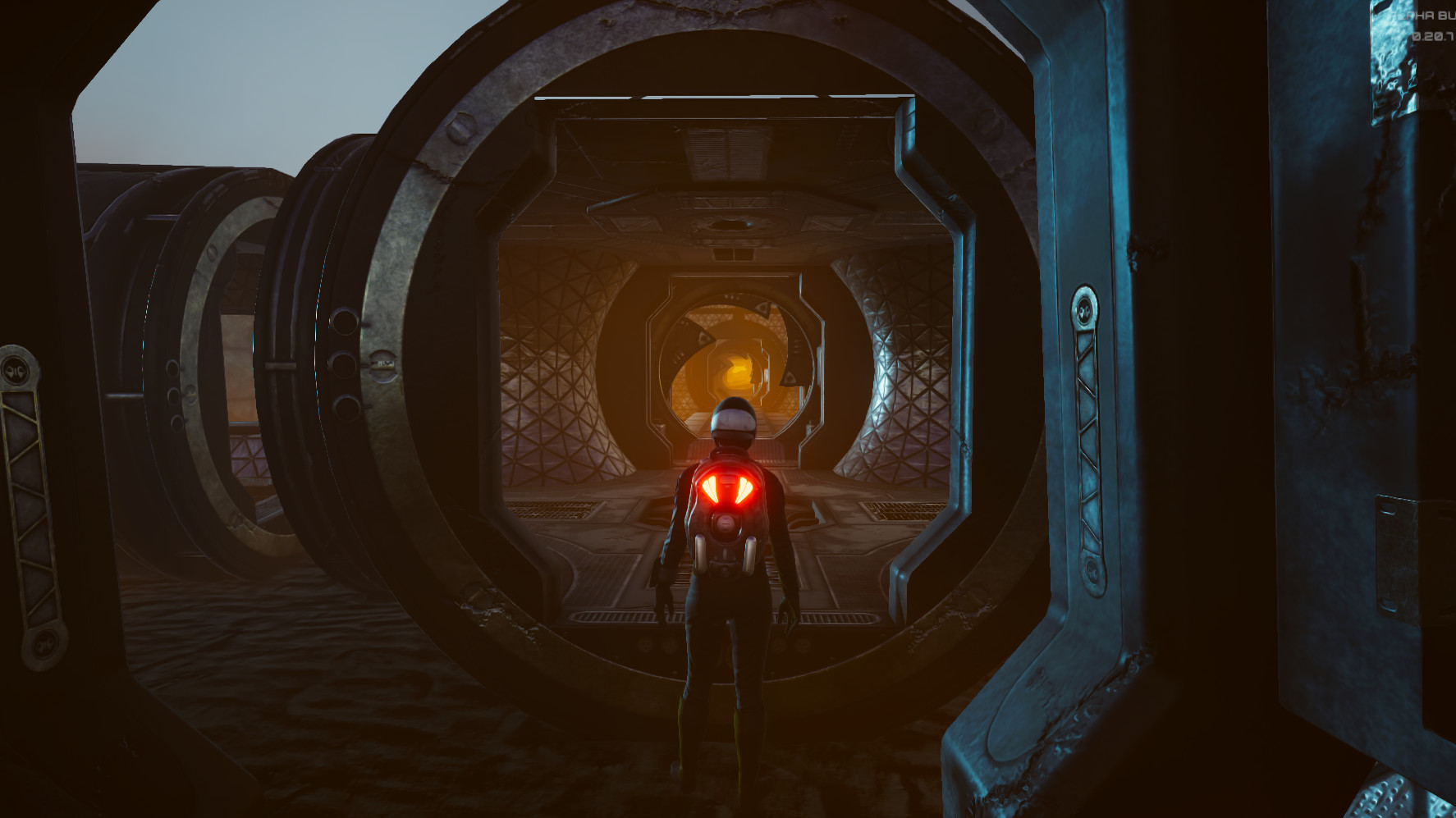
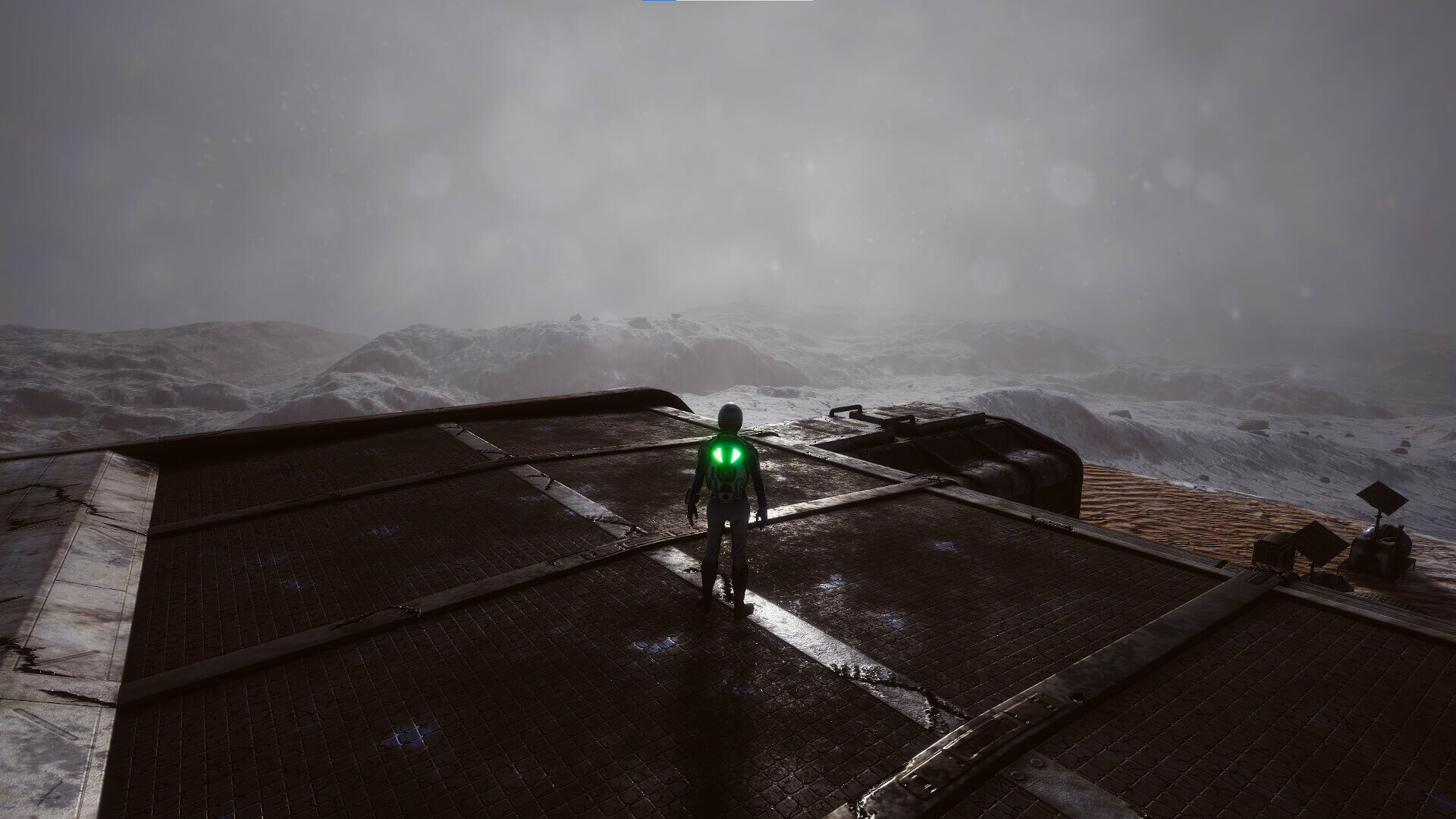
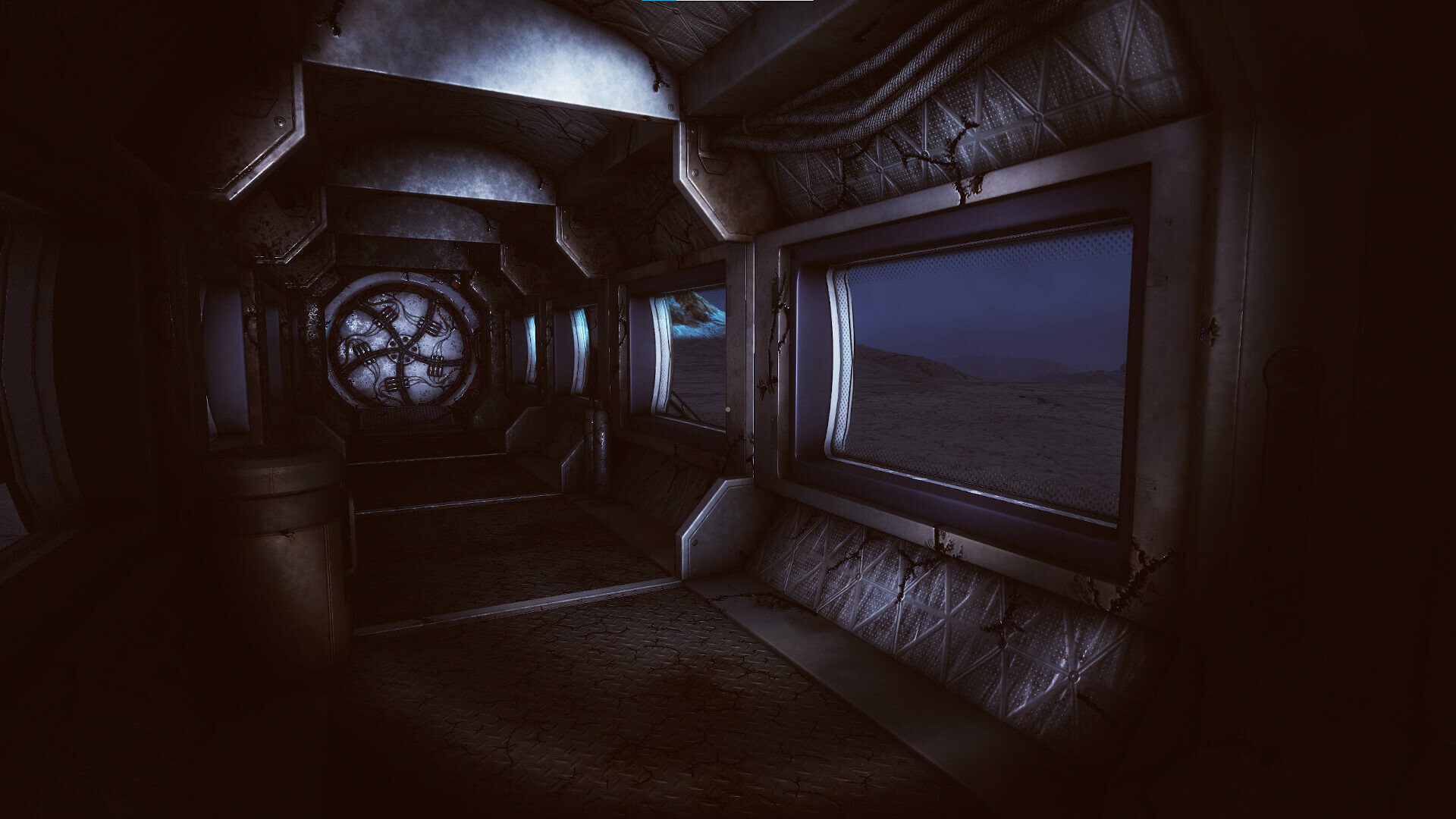
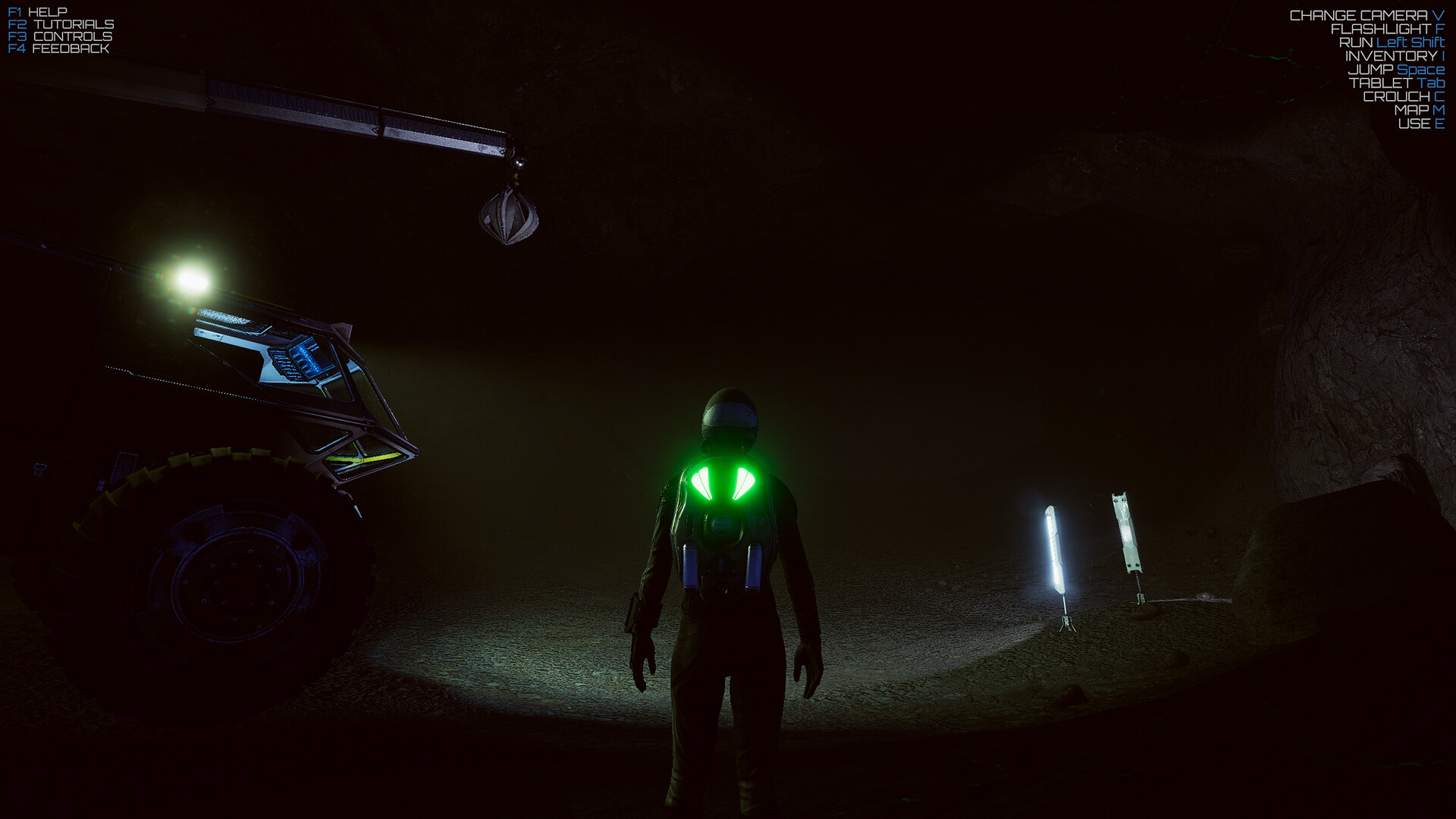
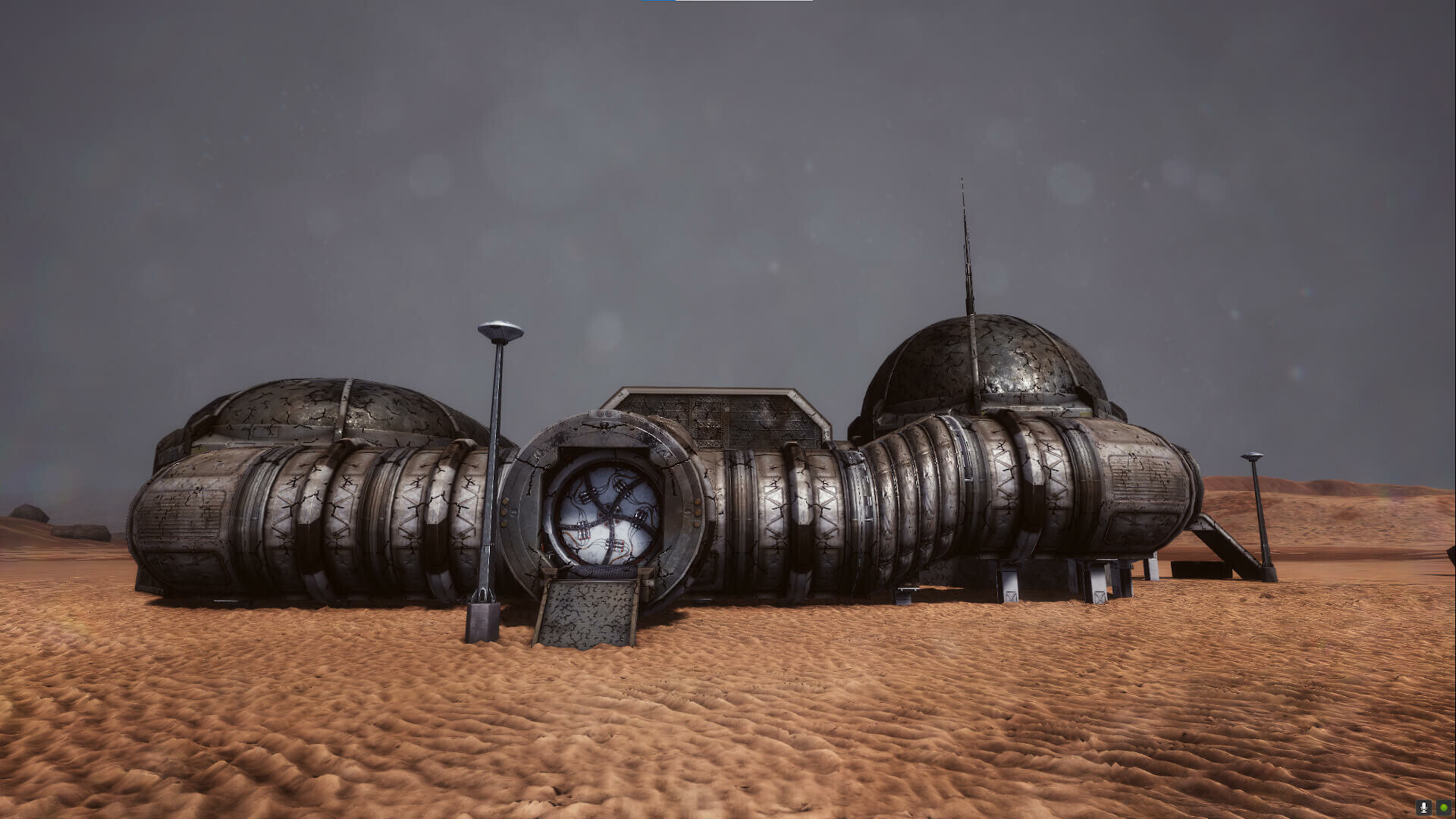







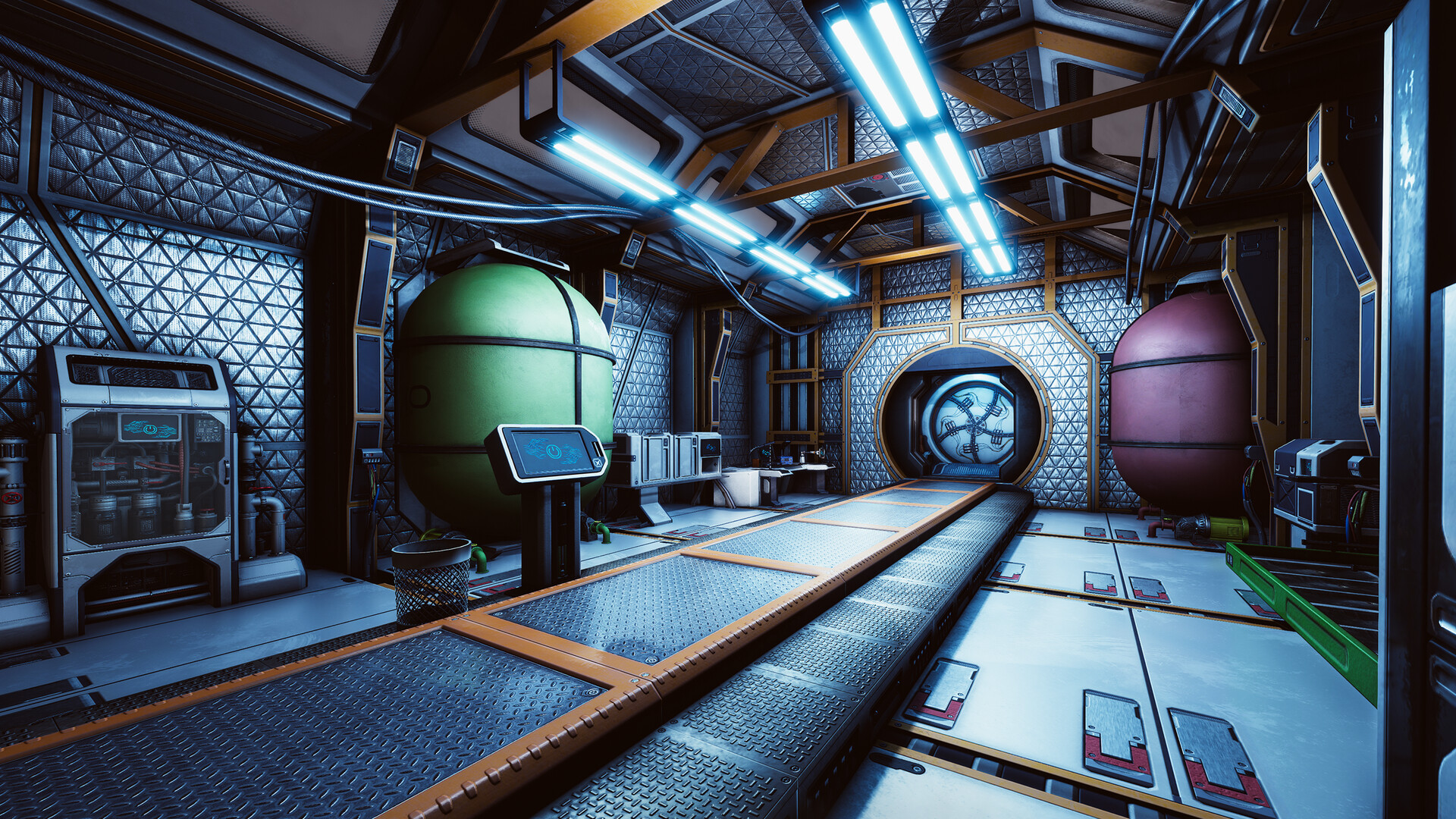
Survive and colonize Mars alone or in online co-op. Build and upgrade your base, craft equipment, mine resources, produce water, oxygen and food, explore an open world, and repair complex machinery in a technical survival sandbox.
System requirements
FAQ
Open the Steam client, log into your account, select 'Activate a Product on Steam' from the 'Games' menu, enter the key you received, and confirm the activation. The game will then appear in your library.
The key has the activation region WW, meaning it is intended for activation in any region of the world.
You receive one Steam activation key for the game Occupy Mars: The Game in the Occupy Mars: The Game edition.
Full voice acting is available in English, and text and subtitles are supported in French, Italian, German, Spanish (Spain), Polish, Portuguese (Brazil and Portugal), Russian, Simplified Chinese, Turkish, Danish, Romanian, and Ukrainian.
Check that the key is entered without errors or spaces, and make sure you are using the Steam account to which you want to add the game. If the error persists, contact store support and provide your order number and the error message.

 Recommended for you
 Currency
 Currency
 Currency
 Currency
 Currency
 Currency
 Currency
 Currency

 Voucher
 Voucher

Secure transactions
All payments are protected by modern encryption and processed by trusted payment partners.

24/7 Support
Our support team works around the clock and is ready to help with purchases, payments, and any questions.

Full refund guarantee
In case of any issues with your order, we guarantee a refund according to our refund policy.
