













































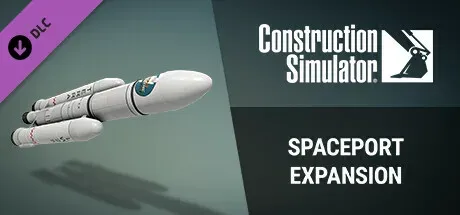
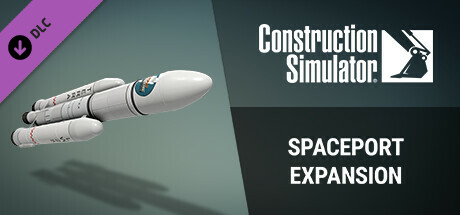
Construction Simulator - Spaceport Expansion (DLC)
 Steam gift
 In stock
In stock

39
Sales

0
Reviews
Supported languages
English*
 French, Italian, German*, Spanish - Spain, Dutch, Japanese, Korean, Portuguese - Brazil, Russian, Simplified Chinese, Traditional Chinese, Turkish, Polish, Spanish - Latin America, Portuguese - Portugal
*languages with full audio support
French, Italian, German*, Spanish - Spain, Dutch, Japanese, Korean, Portuguese - Brazil, Russian, Simplified Chinese, Traditional Chinese, Turkish, Polish, Spanish - Latin America, Portuguese - Portugal
*languages with full audio support
Activation platform
Steam
 Casual
Simulation
Single-player
Multi-player
Casual
Simulation
Single-player
Multi-player


 USA
20.09 USD
USA
20.09 USD
 Russia
8.91 USD
Russia
8.91 USD
 Kazakhstan
10.93 USD
Kazakhstan
10.93 USD
 Ukraine
8.91 USD
Ukraine
8.91 USD
 CIS
9.96 USD
Turkey & MENA
9.96 USD
CIS
9.96 USD
Turkey & MENA
9.96 USD
 Europe
21.76 USD
Europe
21.76 USD
 United Arab Emirates
15.69 USD
Latin America
9.96 USD
United Arab Emirates
15.69 USD
Latin America
9.96 USD
 Australia
20.08 USD
Australia
20.08 USD
 Brazil
11.41 USD
Brazil
11.41 USD
 Canada
17.63 USD
Canada
17.63 USD
 Switzerland
25.31 USD
Switzerland
25.31 USD
 Chile
10.07 USD
Chile
10.07 USD
 China
10.93 USD
China
10.93 USD
 Colombia
15.69 USD
Colombia
15.69 USD
 Costa Rica
17.63 USD
Costa Rica
17.63 USD
 United Kingdom
21.73 USD
United Kingdom
21.73 USD
 Hong Kong
15.69 USD
Hong Kong
15.69 USD
 Indonesia
8.91 USD
Indonesia
8.91 USD
 Israel
24.36 USD
Israel
24.36 USD
 India
8.91 USD
India
8.91 USD
 Japan
15.69 USD
Japan
15.69 USD
 South Korea
15.69 USD
South Korea
15.69 USD
 Kuwait
10.44 USD
Kuwait
10.44 USD
 Mexico
11.82 USD
Mexico
11.82 USD
 Malaysia
11.41 USD
Malaysia
11.41 USD
 Norway
22.3 USD
Norway
22.3 USD
 New Zealand
15.69 USD
New Zealand
15.69 USD
 Peru
11.82 USD
Peru
11.82 USD
 Philippines
9.57 USD
South Asia
8.91 USD
Philippines
9.57 USD
South Asia
8.91 USD
 Poland
22.31 USD
Poland
22.31 USD
 Qatar
11.42 USD
Qatar
11.42 USD
 Saudi Arabia
10.44 USD
Saudi Arabia
10.44 USD
 Singapore
15.69 USD
Singapore
15.69 USD
 Thailand
11.42 USD
Thailand
11.42 USD
 Taiwan
9.57 USD
Taiwan
9.57 USD
 Uruguay
15.69 USD
Uruguay
15.69 USD
 Vietnam
9.56 USD
Vietnam
9.56 USD
 South Africa
10.93 USD
South Africa
10.93 USD
Supported languages
English*
French, Italian, German*, Spanish - Spain, Dutch, Japanese, Korean, Portuguese - Brazil, Russian, Simplified Chinese, Traditional Chinese, Turkish, Polish, Spanish - Latin America, Portuguese - Portugal
*languages with full audio support
Activation platform
Steam
Casual
Simulation
Single-player
Multi-player
USA
20.09 USD
Russia
8.91 USD
Kazakhstan
10.93 USD
Ukraine
8.91 USD
CIS
9.96 USD
Turkey & MENA
9.96 USD
Europe
21.76 USD
United Arab Emirates
15.69 USD
Latin America
9.96 USD
Australia
20.08 USD
Brazil
11.41 USD
Canada
17.63 USD
Switzerland
25.31 USD
Chile
10.07 USD
China
10.93 USD
Colombia
15.69 USD
Costa Rica
17.63 USD
United Kingdom
21.73 USD
Hong Kong
15.69 USD
Indonesia
8.91 USD
Israel
24.36 USD
India
8.91 USD
Japan
15.69 USD
South Korea
15.69 USD
Kuwait
10.44 USD
Mexico
11.82 USD
Malaysia
11.41 USD
Norway
22.3 USD
New Zealand
15.69 USD
Peru
11.82 USD
Philippines
9.57 USD
South Asia
8.91 USD
Poland
22.31 USD
Qatar
11.42 USD
Saudi Arabia
10.44 USD
Singapore
15.69 USD
Thailand
11.42 USD
Taiwan
9.57 USD
Uruguay
15.69 USD
Vietnam
9.56 USD
South Africa
10.93 USD
Nothing found
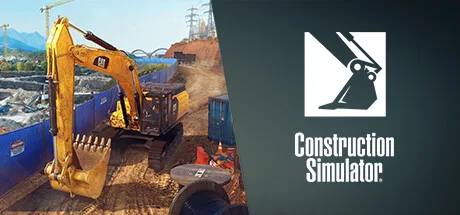

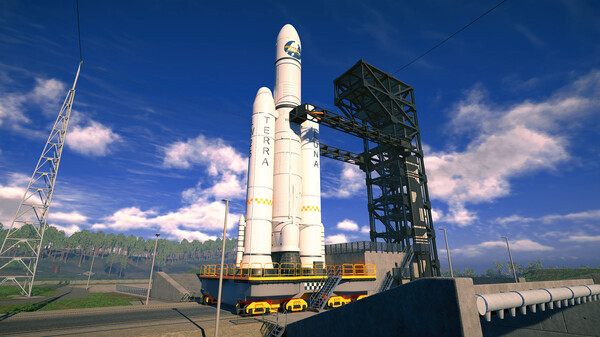
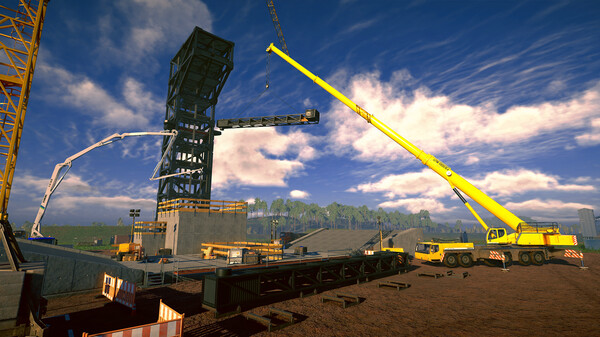
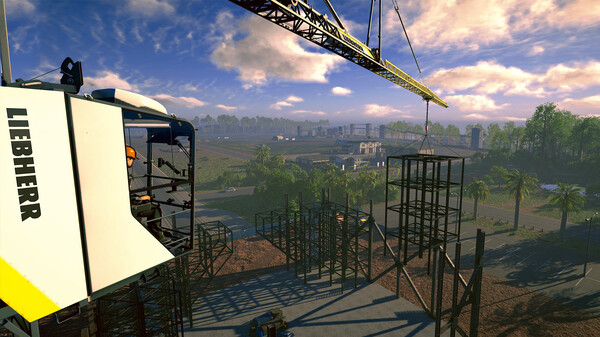
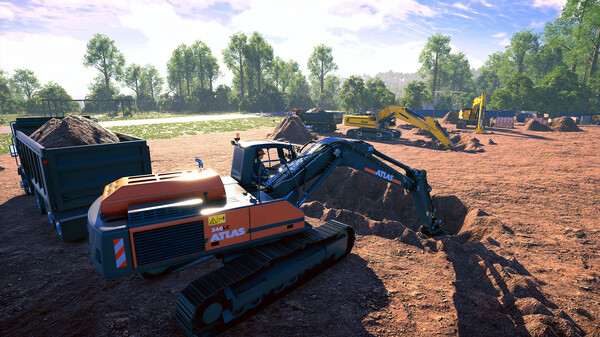
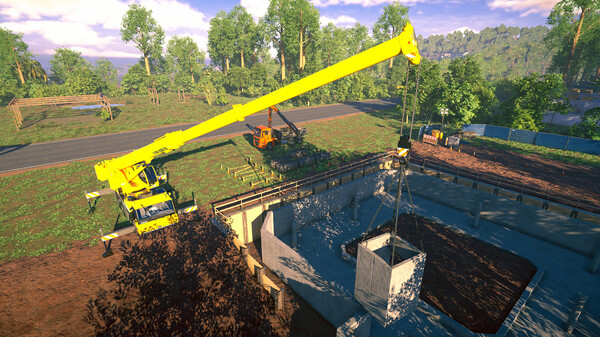
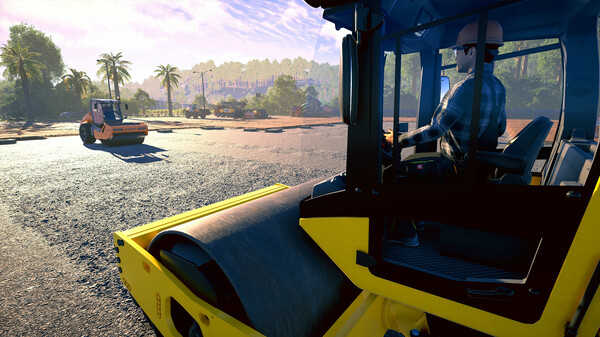
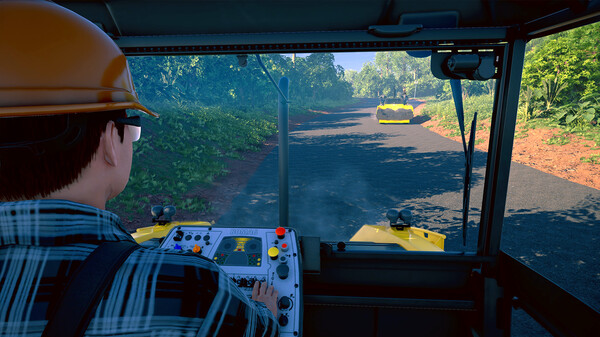
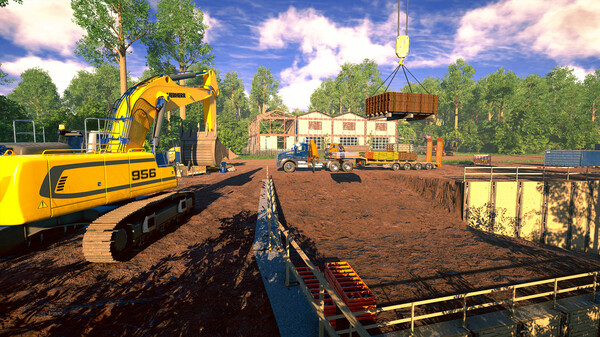
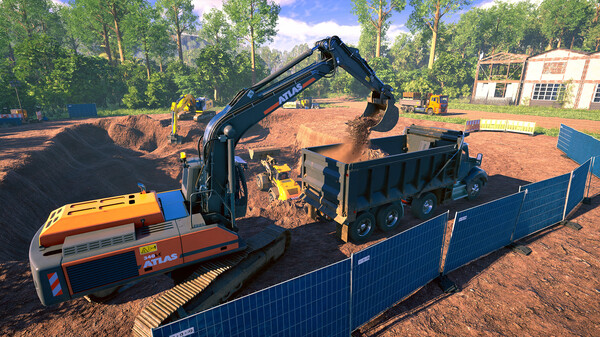
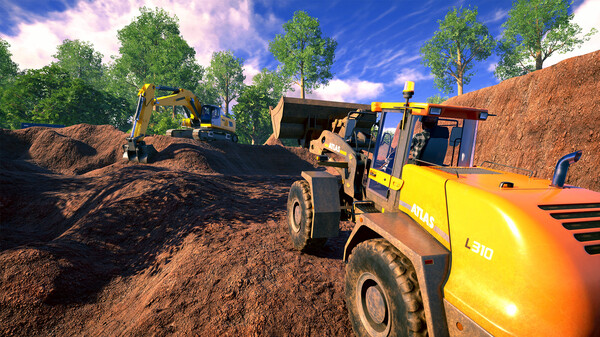
Ever dreamed of contributing to the exploration of the universe? Then add the Spaceport Expansion to your Construction Simulator!
System requirements
FAQ
Yes, the full version of Construction Simulator must be on your account and must not be hidden. Without it the DLC gift cannot be sent.
After payment our bot adds you as a friend using your quick invite link and sends the gift. Accept it in your Steam notifications and the DLC will appear in your library.
In Steam open Friends → Add a Friend and copy your quick invite link. Each link works once, so create a new one for every order.
The region your Steam account is registered in. A gift for another region cannot be accepted.

 Recommended for you

 Currency
 Currency
 Currency
 Currency
 Currency
 Currency
 Currency
 Currency

 Voucher
 Voucher

Secure transactions
All payments are protected by modern encryption and processed by trusted payment partners.

24/7 Support
Our support team works around the clock and is ready to help with purchases, payments, and any questions.

Full refund guarantee
In case of any issues with your order, we guarantee a refund according to our refund policy.
