






Catalog
Global
EN
Account
Steam Gifts
Steam Keys
Game Top-Up
Gift Cards
Full catalog
Steam Gifts
Steam Keys
Game Top-Up
Gift Cards
Screenshots
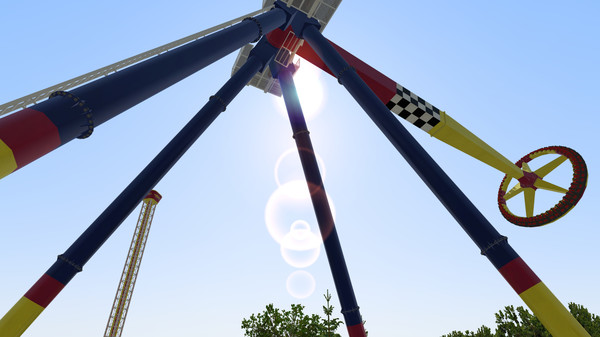
NoLimits 2 Roller Coaster Simulation NoLimits 2 Roller Coaster Simulation NoLimits 2 Roller Coaster Simulation NoLimits 2 Roller Coaster Simulation NoLimits 2 Roller Coaster Simulation NoLimits 2 Roller Coaster Simulation NoLimits 2 Roller Coaster Simulation NoLimits 2 Roller Coaster Simulation NoLimits 2 Roller Coaster Simulation NoLimits 2 Roller Coaster Simulation NoLimits 2 Roller Coaster Simulation NoLimits 2 Roller Coaster Simulation NoLimits 2 Roller Coaster Simulation NoLimits 2 Roller Coaster Simulation NoLimits 2 Roller Coaster Simulation NoLimits 2 Roller Coaster Simulation NoLimits 2 Roller Coaster Simulation NoLimits 2 Roller Coaster Simulation NoLimits 2 Roller Coaster Simulation NoLimits 2 Roller Coaster Simulation
Description
System requirements

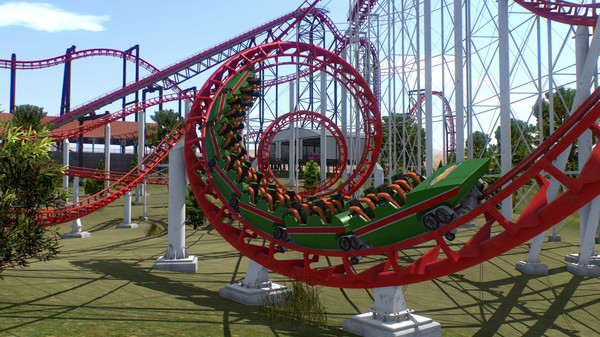
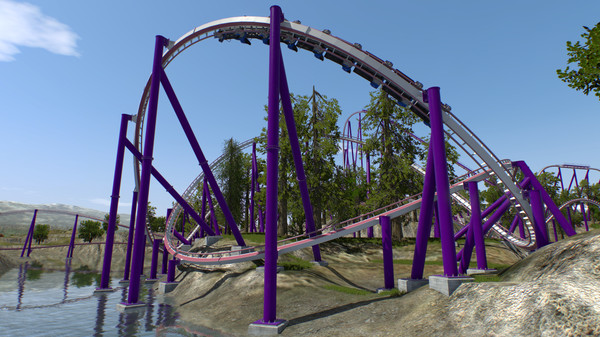
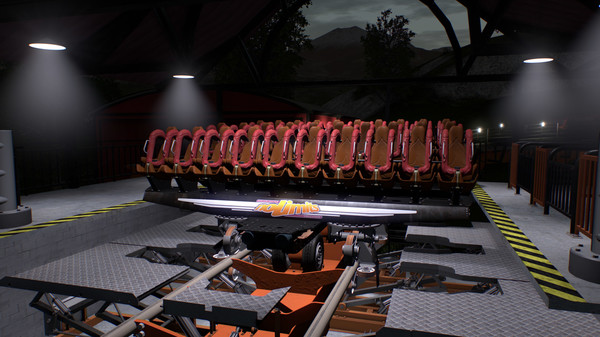
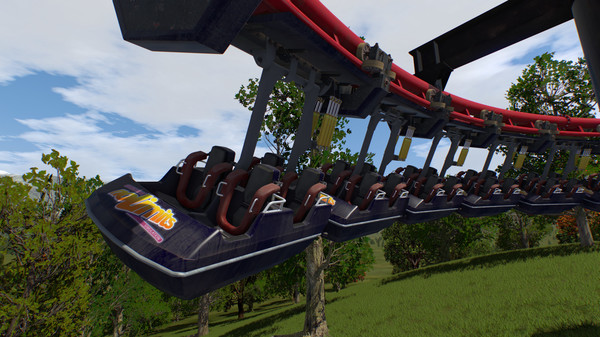
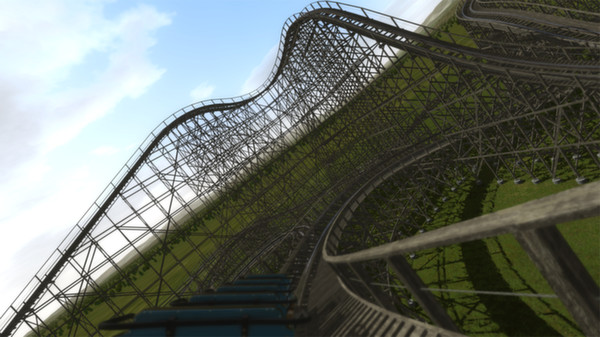
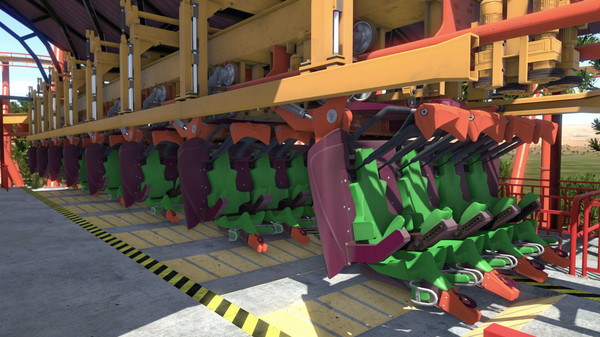
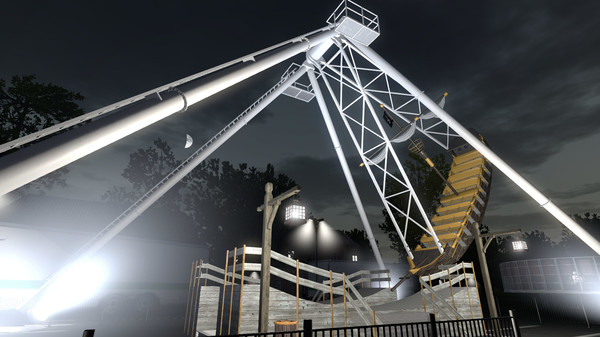
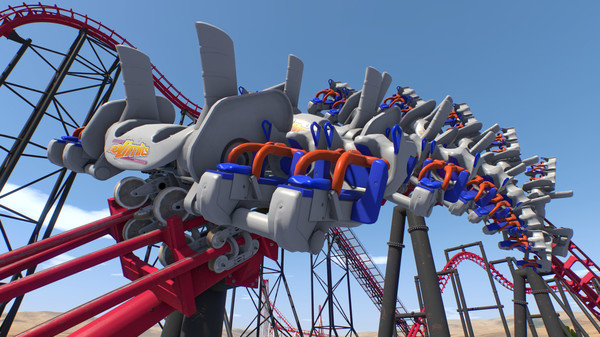
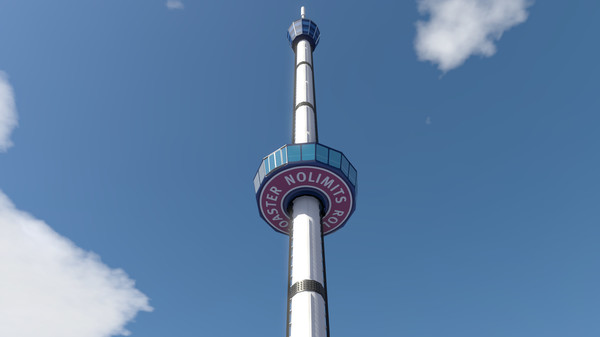
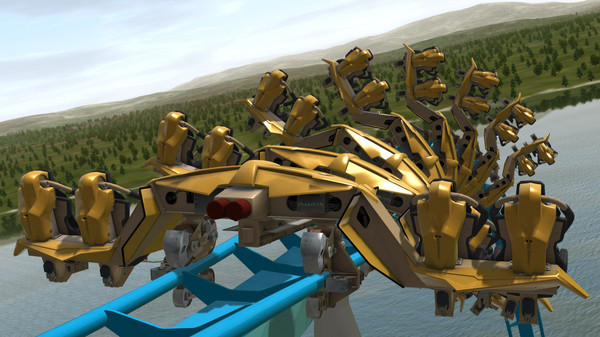
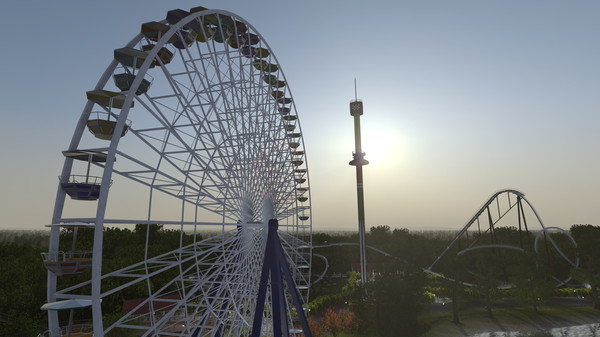
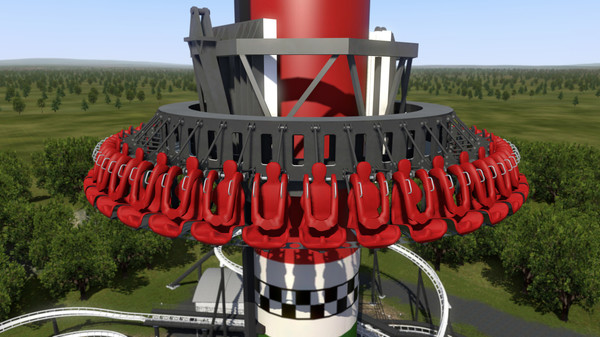
NoLimits 2 is the ultimate roller coaster simulation that lets you experience authentic roller coaster thrills. Climb into the world's most famous roller coasters and experience the excitement in real time. Or design a new roller coaster that is engineered to your specifications.

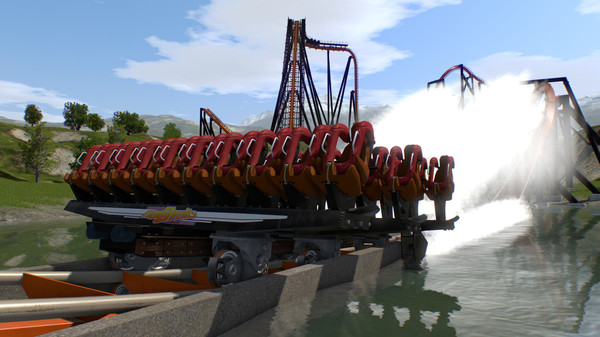
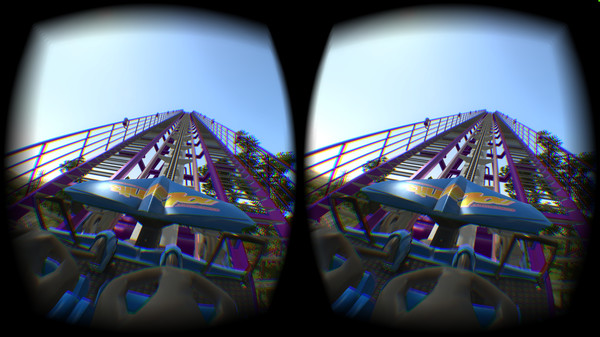
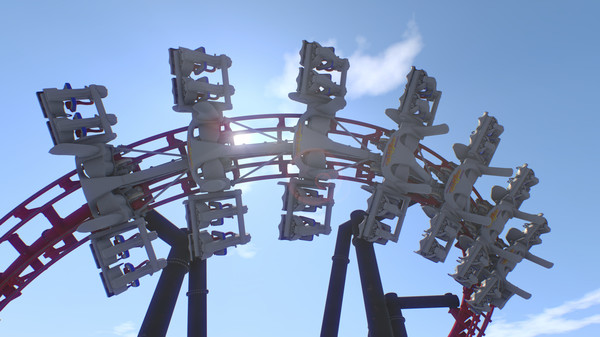
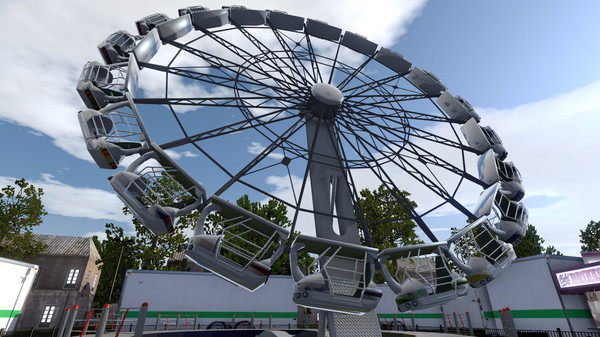
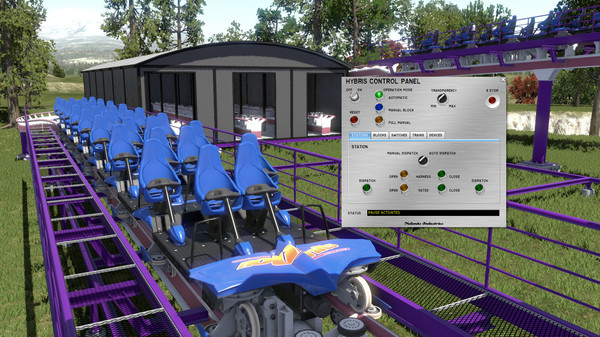
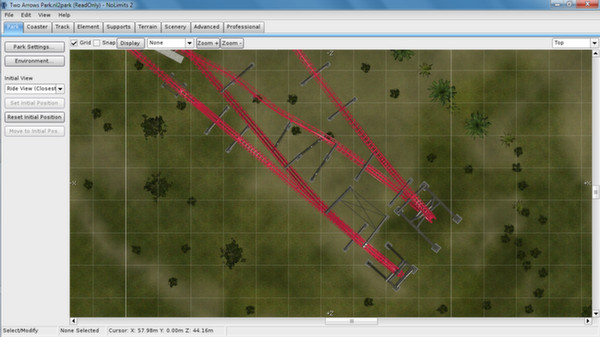
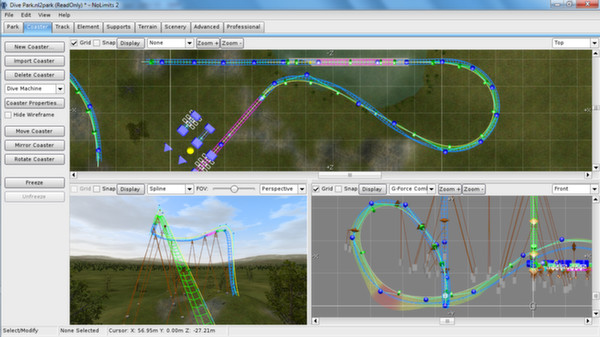
This one is for people who love roller coasters and want to decide how they look. The pace is calm but gripping: you first draw the track, then take a seat in a car and see whether your drop holds up to physics. What to expect: - At first, your time goes to design: you drag the track and supports, change the angle and quickly spot where a loop works and where the train won't make it over the top. - You can test your own builds or ride finished ones, and the difference is clear: in one case you pick the car and viewpoint, in the other you watch the train pick up speed on the first lift. - Unlike most tycoon games, there's little management here: everything revolves around geometry and the feel of motion. - The amount of content is whatever you build, so you'll likely come back to a project more than once. To get NoLimits 2 Roller Coaster Simulation, just send your Steam quick invite link. The bot adds you as a friend and sends the game as a gift to your account, so it lands in your Steam library. NoLimits 2 is the ultimate roller coaster simulation that lets you experience authentic roller coaster thrills. Climb into the world's most famous roller coasters and experience the excitement in real time. Or design a new roller coaster that is engineered to your specifications. Use a full-featured roller coaster editor with a CAD-style wire-frame display to build a custom coaster. Drag and drop track, supporting structures, and other objects. Use slider bars to change the perspective of the elements being designed, and to zoom in and out. Your only constraints are the laws of physics and your imagination. After you have designed and constructed your roller coaster, NoLimits 2 serves up a real-time roller coaster experience, from the time the train chugs its way up the first slope, to the time it stops to a stop on the exit platform. The simulation includes the sounds of the wind rushing by, and the metal-on-metal sounds that are integral to enjoying a coaster ride. It's easy to choose any seat on any car in the coaster train. Use the computer's mouse to change the line of sight and angle of vision. NoLimits 2 is the world's most comprehensive roller coaster simulation, with results so realistic that professional designers like John Wardley use NoLimits 2 to create and test designs for physical roller coasters. Roller coaster manufacturers including Vekoma Rides Manufacturing B.V., The Gravity Group, Inc., Great Coasters International, Inc., Premier, Inc., Maurer Söhne GmbH, Intamin A.G. and others have used NoLimits for purposes including layout, design and integration, visualization and marketing. NoLimits Roller Coaster Simulation 2 is the ultimate roller coaster simulation, hands down. Don't believe us? Just ask the pros. Features - Designed for multi-core CPUs and next generation graphics - Realistic roller coaster physics - Integrated park editor - Everything realtime! - Oculus Rift CV1 and Development Kit 2 support (Windows version only, Runtime 1.3 or newer required) - HTC Vive support (using OpenVR) - 40 different coaster styles including 4D, Spinning, Wooden, Wing, Flying, Inverted & Suspended - Lots of included scenery objects including animated flat rides and trees - Shuttle coasters - Switches and transfer tracks - Different worn levels to simulate aging - Different rail type - More than one train at the same time - More than one coaster in the same park - Dual stations - Duelling coasters using synchronized stations - Custom spline positions relatively to track - Backwards running train option - Block sections - Realitistic control of brakes - Animated brakes, wheels, lifts, harnesses, gates, etc. - Intelligent track spline options - Complex support structure design - Different camera perspectives: onboard, free, target, fly-by - Special walk mode (with collision detection) - Choose your seat, car, train and coaster - Mouse simulates head moving - Advanced terrain engine - Next generation graphics with normal mapping, specular mask, reflections and realtime shadows - Lens flare effect - Volumetric light and fog effects - Depth-of-field effect - Weather effects - Dynamic sky with Day-Night-Cycle - 3D Surround Sound using OpenAL - Environmental Audio Effects (Reverb inside tunnels etc.) - Integrated environment editor to change skybox, and background - Lots of shipped demo environments (high mountains, flat background) - Integrated scripting language - Shipped with demo objects and scripts - Import of DAE, 3DS, or LWO files for custom scene objects - Integrated light pattern creator tool for generating animated light textures - Water splash effect for coasters with water scoops (dive coaster, staggered hyper coaster) - Integrated Formula track element language - Integrated Force vector track element designer - Package file export - High quality video export with perfect frame timing - Lots of included parks Please note that the Steam Edition of NoLimits 2 is identical to the Standard Edition of NoLimits 2. For professional users we offer upgrades to the Professional Edition on our website. For more information about the Professional edition and other types of available licenses please visit our website or email us at nolimits@nolimitscoaster.com Restrictions in Free Demo - Demo can be used for 15 days only - Only 4 coaster styles available in demo - Only 3 demo parks - Very limited park saving in demo (tracks with up to 10 vertices only) - No video recording in demo - No screenshots

System requirements

Minimum: - OS *: Windows Vista - Processor: 2.4 GHz Dual Core - Memory: 4 GB RAM - Graphics: DirectX 10.0 hardware required (>= Shader Model 3), min 512 MB VRAM, older DX9 cards (ATI x1000 series, GF 7000 series or older) not supported - DirectX: Version 9.0c - Storage: 2 GB available space - VR Support: SteamVR or Oculus PC. Keyboard or gamepad required - Additional Notes: Good graphics card is very important. Some integrated graphics solutions might be too slow. Install and try out the demo from Steam if you are unsure whether your computer meets the requirements. For VR experience: Oculus Rift DK2/CV1 with runtime 1.3 is required. OpenVR support for HTC Vive using SteamVR. Recommended: - OS: Windows 10 or newer (64 Bit OS strongly recommended) - Processor: 3.2 GHz Quad Core - Memory: 8 GB RAM - Graphics: DirectX 11 hardware or newer (>= Shader Model 5) and with 1 GB or more VRAM - DirectX: Version 11 - Storage: 2 GB available space - Additional Notes: GeForce GTX 550 or AMD Radeon 7750 or better recommended. For VR experience: Oculus Rift DK2/CV1 with runtime 1.3 is required. OpenVR support for HTC Vive using SteamVR..

FAQ

After payment our bot adds you as a friend using your quick invite link and sends the gift. Accept it in your Steam notifications and the game will appear in your library.

In Steam open Friends → Add a Friend and copy your quick invite link. Each link works once, so create a new one for every order.

The region your Steam account is registered in. A gift for another region cannot be accepted.

Message us in the order chat and we will check your order and help.

Order information

Genre
Indie, Simulation, Single-player, VR Supported, VR Support
Platform
Steam

Where to get the link?
  1. Open Steam and go to "Friends" -> "Add a Friend"
  2. In the "Quick Invite Link" section, click "Copy"
  3. Paste the link here. It is one-time use: create a new one for each order
+11

10.06 USD

Order information
Genre
Indie, Simulation, Single-player, VR Supported, VR Support
Platform
Steam

Where to get the link?
  1. Open Steam and go to "Friends" -> "Add a Friend"
  2. In the "Quick Invite Link" section, click "Copy"
  3. Paste the link here. It is one-time use: create a new one for each order
+11

Secure transactions

All payments are protected by modern encryption and processed by trusted payment partners.

24/7 Support

Our support team works around the clock and is ready to help with purchases, payments, and any questions.

Full refund guarantee

In case of any issues with your order, we guarantee a refund according to our refund policy.

We use cookies to keep the site working and to remember your settings. Analytics cookies are only used with your consent. Learn more