









Catalog
Global
EN
Account
Steam Gifts
Steam Keys
Game Top-Up
Gift Cards
Full catalog
Steam Gifts
Steam Keys
Game Top-Up
Gift Cards
Screenshots
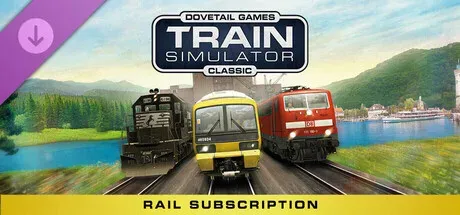
Train Simulator Classic: Rail Subscription (DLC) Train Simulator Classic: Rail Subscription (DLC) Train Simulator Classic: Rail Subscription (DLC) Train Simulator Classic: Rail Subscription (DLC) Train Simulator Classic: Rail Subscription (DLC) Train Simulator Classic: Rail Subscription (DLC) Train Simulator Classic: Rail Subscription (DLC) Train Simulator Classic: Rail Subscription (DLC) Train Simulator Classic: Rail Subscription (DLC)
Description
System requirements

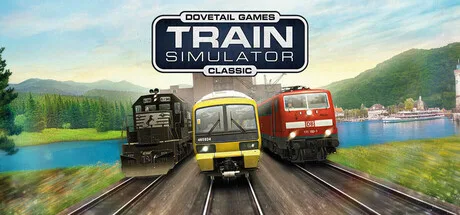
Get more out of Train Simulator Classic with the optional Rail Subscription. The perfect way to get started with the ultimate railway hobby, this includes the base game along with a selection of curated routes and locomotives ready to play.

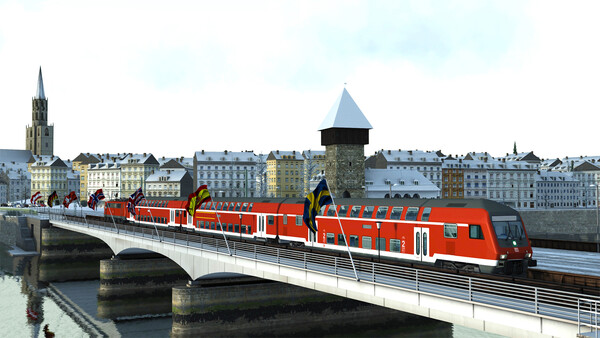
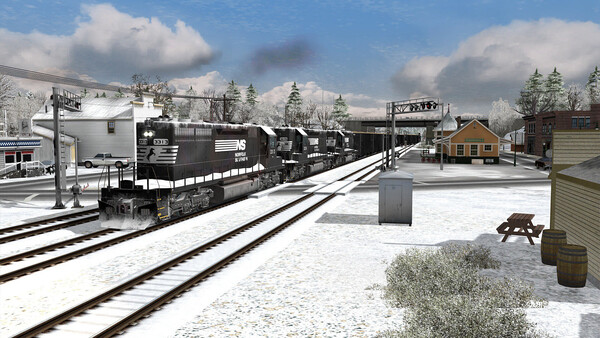
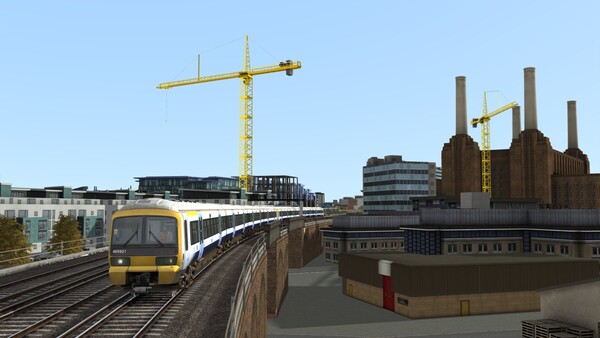
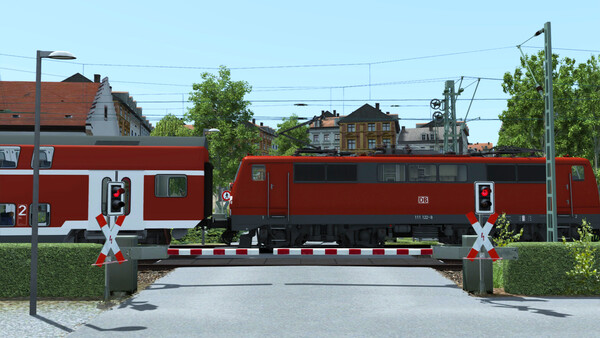
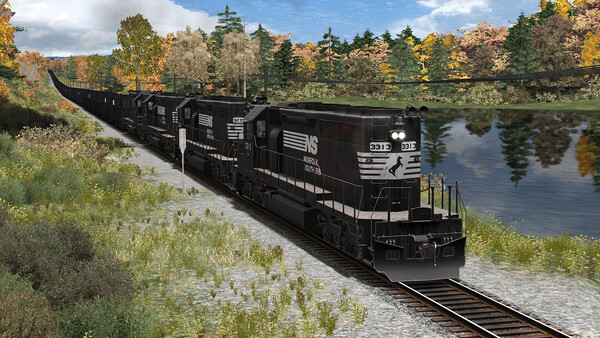
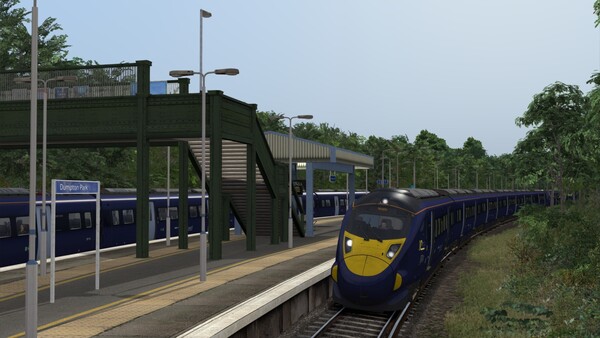
This add-on is for players who already run Train Simulator Classic and want more track under their wheels. The selection is put together by the developers and mostly includes routes that players pick most often. The mood is calm: no racing and no action, just the everyday job of a driver, where timetables, brakes and the weather outside matter. The highlights: - The first evenings go to getting to know the British and German lines: you can run a commuter train around London or head out on a long trip to Edinburgh. - The American block with Norfolk Southern and Sherman Hill brings heavy freight trains and grades where you have to work out your power. - The routes feel different from each other, from city branches to mountain passes, so it won't get dull. - The trains and locomotives are matched to the routes, so every run feels its own. The purchase is made as a Steam gift: you send your Steam quick invite link, the bot adds you as a friend and sends Train Simulator Classic: Rail Subscription (DLC) as a gift straight to your account. You need the base game on your account for it to work. Get more out of Train Simulator Classic with the optional Rail Subscription. The perfect way to get started with the ultimate railway hobby, this includes the base game along with a selection of curated routes and locomotives ready to play. 🍂🎃 Additional content added as part of the Into the City - Autumn 2026 Update: - South London Network - Long Island Rail Road: New York - Hicksville - Hamburg S1 S-Bahn TRAIN SIMULATOR CLASSIC The Rail Subscription includes full access to the Train Simulator Classic simulator, with no separate purchase required. This includes the Train Simulator Academy where you can start your career as a virtual train driver or engineer, the Train Simulator Editor where you can create living worlds with comprehensive tools and full Steam Workshop support. ROUTE ADD-ONS The routes in the Rail Subscription give you a wide range of rail experiences. Explore scenic countryside landscapes and bustling cities as you run passenger or freight services. Featuring community favourites and developer picks this carefully curated selection provides something for all railfans. Routes included: - Chatham Main Line: London Victoria & Blackfriars - Dover & Ramsgate - Edinburgh - Glasgow - Frankfurt - Koblenz - Hamburg - Hanover - Hamburg S1 S-Bahn - Konstanz - Villingen - London to Brighton - Long Island Rail Road: New York - Hicksville - NEC: New York - New Haven - Norddeutsche-Bahn: Kiel - Lübeck - Norfolk Southern Coal District - Norfolk Southern N-Line - Norfolk Southern Saluda Grade - Semmeringbahn - Mürzzuschlag to Gloggnitz - Soldier Summit - Sherman Hill - South London Network - The Rhine Railway: Mannheim - Karlsruhe - WCML South: London Euston - Birmingham - West Rhine: Cologne - Koblenz - Wutachtalbahn - Woodhead Line LOCOMOTIVE ADD-ONS As well as all of the locomotives included within the routes above, the Rail Subscription features additional locomotives. Each of these comes with scenarios for the Rail Subscription routes. Board an array of officially licensed machines from modern day electrics to historic steam legends. Locomotives included: - Amtrak Dash 8-32BWH - Amtrak P30CH - BR Blue Pack - BR Class 73 'Gatwick Express' - Class A4 Pacifics - DB BR 86 - DB BR 146.5 & BR 668.2 ‘Intercity 2’ - DB BR 605 ICE TD - European Loco & Asset Pack - EWS & Freightliner Class 08s - Flying Scotsman Centenary - Freightliner Class 66 v2.0 - LNER/BR Class A1 ‘Tornado’ - Metronom ME 146 - Miami Commuter Rail F40PHL-2 - MRCE BR 185.5 - Norfolk Southern Heritage ES44ACs - Norfolk Southern Heritage SD70Aces - SD70 V2 Volume 2 - Southern Pacific Cab Forward - Union Pacific Heritage SD70ACes - US Loco & Asset Pack You can enjoy hundreds of hours of railway adventures with these add-ons in the Rail Subscription. Content included in the subscription will also be regularly updated to ensure you always have something new to play. Please Note: The Train Simulator interface is localised into English, French, German, Italian, Polish, Russian, Simplified Chinese and Spanish. Localisation on routes and locos varies depending on the individual content.

System requirements

Minimum for 32-bit: - OS *: 32-bit Windows 7 Service Pack 1, 8.1 or 10 Required (Other OS versions and types are not supported) - Processor: Intel Core-i3 4330 3.50 GHz Dual Core or AMD A8 6600K 3.90 GHz Quad Core or Better - Memory: 4 GB RAM - Graphics: NVIDIA GeForce GTX 750 Ti or AMD Radeon R9 Graphics with 1 GB Dedicated VRAM or Better - DirectX®: 9.0c - Network: Broadband Connection (May incur additional costs for use) - Storage: 40 GB or more available space (Additional Add-Ons will require more) - Sound Card: DirectX Compatible Audio Device - Additional Notes: Requires mouse and keyboard or Xbox Controller Laptop, Notebook, Mobile or Low Power versions of the above specifications (including Intel or Integrated Graphics) may work but are not supported. Updates to Chipset, Graphics and Audio Device Drivers may be required. For information relating to recommended specifications for Train Simulator 64-bit, please refer to the Train Simulator Classic User Guide. Recommended for 32-bit: - OS *: 32- or 64-bit Windows 7 Service Pack 1, 8.1 or 10 Required (Other OS versions and types are not supported) - Processor: Intel Core-i5 4690 3.50 GHz Quad Core or AMD Ryzen 7 1700 3.80 GHz Quad Core or Better - Memory: 4 GB RAM (maximum possible under 32-bit Windows)/16 GB or Better (For 64-bit Windows) - Graphics: NVIDIA GeForce GTX 970 or AMD Radeon RX 480 with 4 GB Dedicated VRAM or Better - DirectX®: 9.0c - Network: Broadband Connection (May incur additional costs for use) - Storage: High Performance SSD Recommended with 40 GB or more available space (Additional Add-Ons will require more) - Sound Card: DirectX Compatible Audio Device - Additional Notes: Requires mouse and keyboard or Xbox Controller Laptop, Notebook, Mobile or Low Power versions of the above specifications (including Intel or Integrated Graphics) may work but are not supported. Updates to Chipset, Graphics and Audio Device Drivers may be required. For information relating to recommended specifications for Train Simulator 64-bit, please refer to the Train Simulator Classic User Guide.

FAQ

Yes, the full version of Train Simulator Classic must be on your account and must not be hidden. Without it the DLC gift cannot be sent.

After payment our bot adds you as a friend using your quick invite link and sends the gift. Accept it in your Steam notifications and the DLC will appear in your library.

In Steam open Friends → Add a Friend and copy your quick invite link. Each link works once, so create a new one for every order.

The region your Steam account is registered in. A gift for another region cannot be accepted.

Order information

Genre
Simulation, Single-player, Downloadable Content, Steam Achievements, Full controller support
Platform
Steam

Where to get the link?
  1. Open Steam and go to "Friends" -> "Add a Friend"
  2. In the "Quick Invite Link" section, click "Copy"
  3. Paste the link here. It is one-time use: create a new one for each order
+11

10.83 USD

Order information
Genre
Simulation, Single-player, Downloadable Content, Steam Achievements, Full controller support
Platform
Steam

Where to get the link?
  1. Open Steam and go to "Friends" -> "Add a Friend"
  2. In the "Quick Invite Link" section, click "Copy"
  3. Paste the link here. It is one-time use: create a new one for each order
+11

Secure transactions

All payments are protected by modern encryption and processed by trusted payment partners.

24/7 Support

Our support team works around the clock and is ready to help with purchases, payments, and any questions.

Full refund guarantee

In case of any issues with your order, we guarantee a refund according to our refund policy.

We use cookies to keep the site working and to remember your settings. Analytics cookies are only used with your consent. Learn more